Canva APK
v2.390.0
Canva
Download Canva APK for Android and create professional designs, edit photos and videos, make posters, and explore powerful AI design tools for free.
Canva APK
Download For Android
APK · 12.6 MB
Screenshots
More About Canva
| Name | Canva |
|---|---|
| Package Name | com.canva.editor |
| Category | Arts & Design |
| Version | 2.390.0 |
| Size | 12.6 MB |
| Requires Android | 6.0 and up |
| Last Updated | 25 November 2026 |
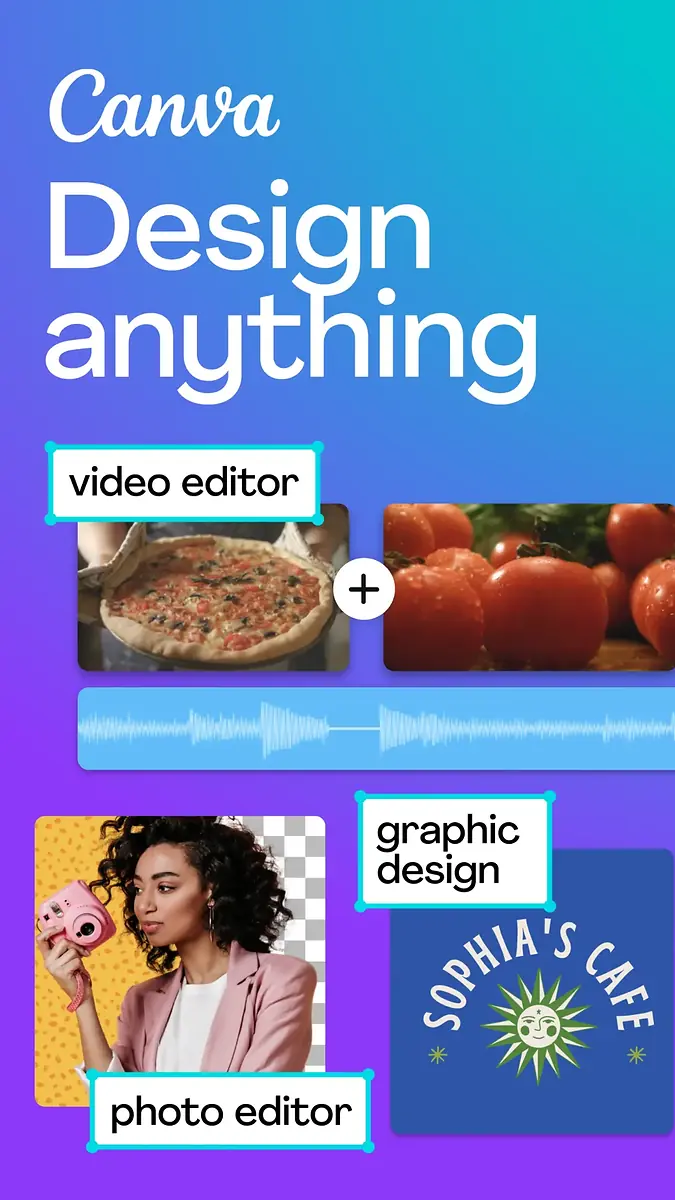
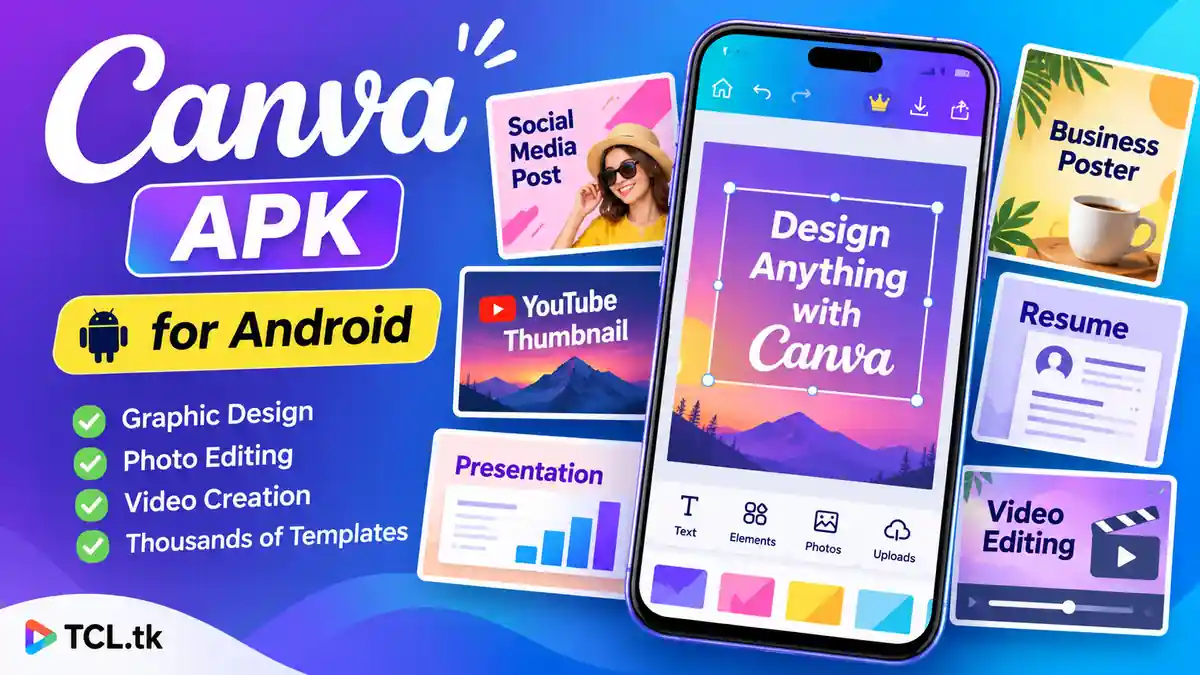
Creating professional-looking graphics no longer requires expensive software or advanced design skills. Canva APK brings a complete visual design platform to Android smartphones, allowing users to create social media posts, presentations, posters, resumes, thumbnails and videos directly from their mobile devices.
Whether you are a student preparing a presentation, a business owner designing promotional materials or a content creator producing Instagram posts, Canva provides accessible tools to turn creative ideas into finished designs.
The application combines customizable templates, photo editing, video editing, artificial intelligence and cloud-based collaboration within a single platform. Its free plan is particularly useful for beginners who want to explore graphic design without purchasing professional software.
What Is Canva APK?
Canva APK is the Android application package of Canva, a visual communication and graphic design platform developed by Canva.
Unlike traditional graphic design software that requires considerable technical knowledge, Canva uses an approachable drag-and-drop editing system. Users can select a template, customize its contents, upload personal photographs and export their finished work.
The application supports numerous creative projects, including business advertisements, invitation cards, educational materials, YouTube thumbnails, resumes and short-form videos.
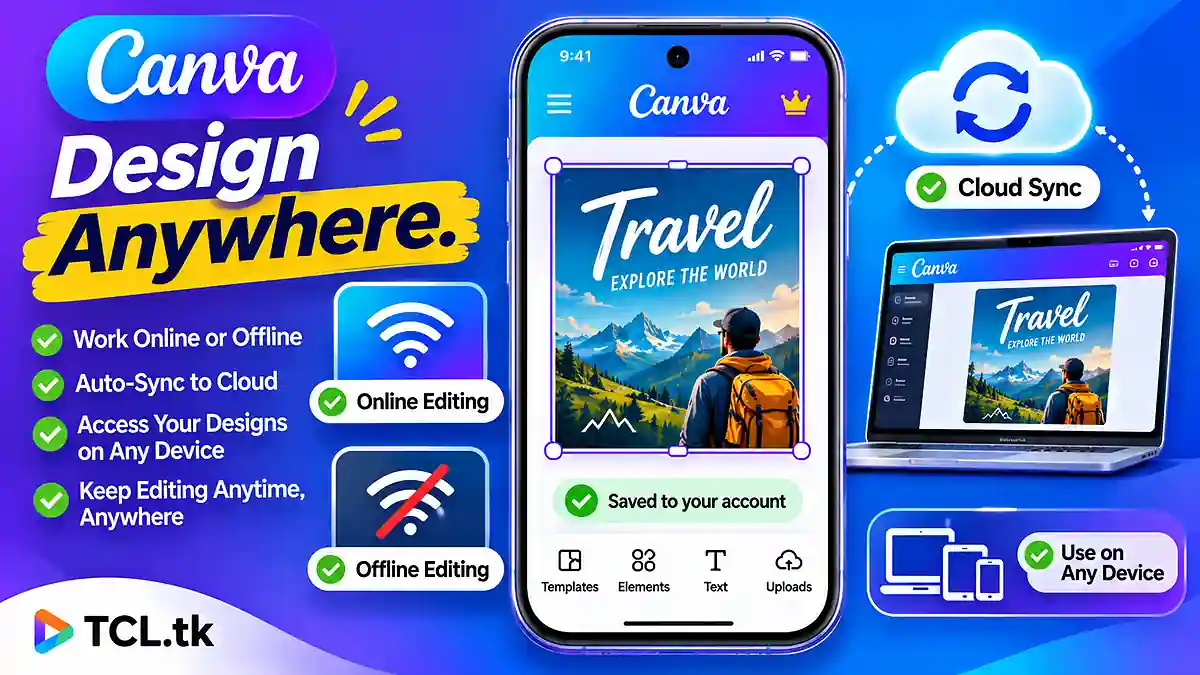
Canva is available through a web browser and dedicated applications. Using the same account across compatible devices allows users to access their saved projects without manually transferring design files.
The official Android application is free to download, although certain premium resources and advanced features require a paid subscription.
Key Features of Canva APK
Canva offers a wide range of creative tools suitable for everyday users, professionals and small businesses.
Customizable Design Templates
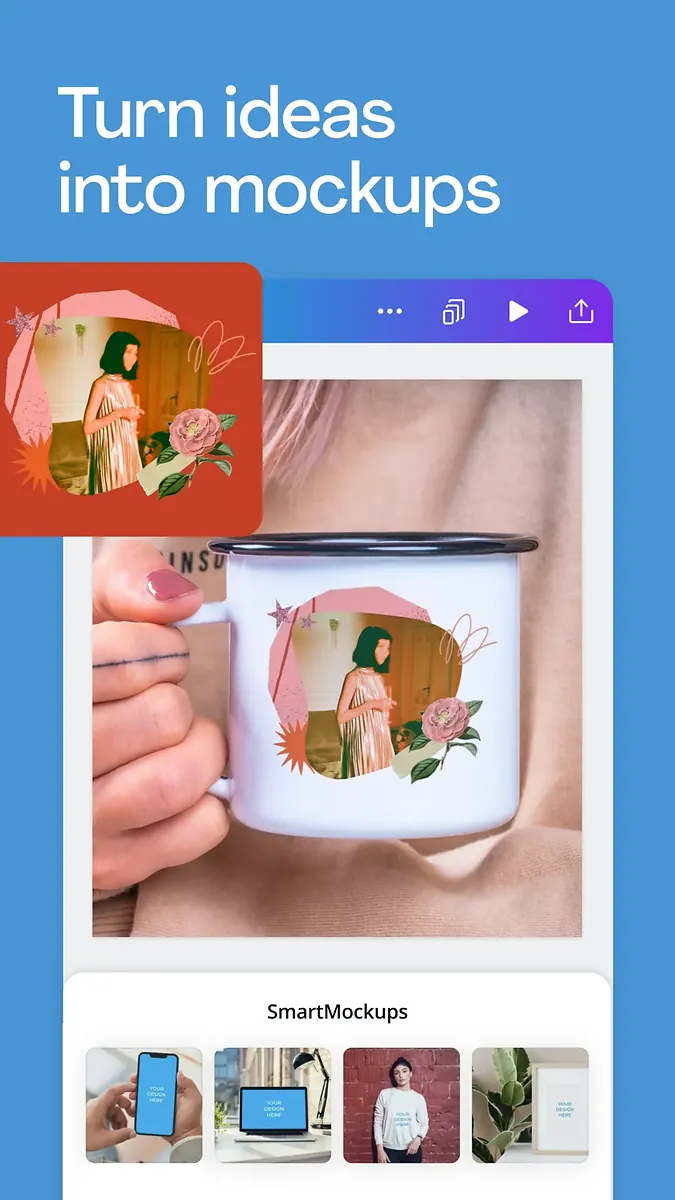
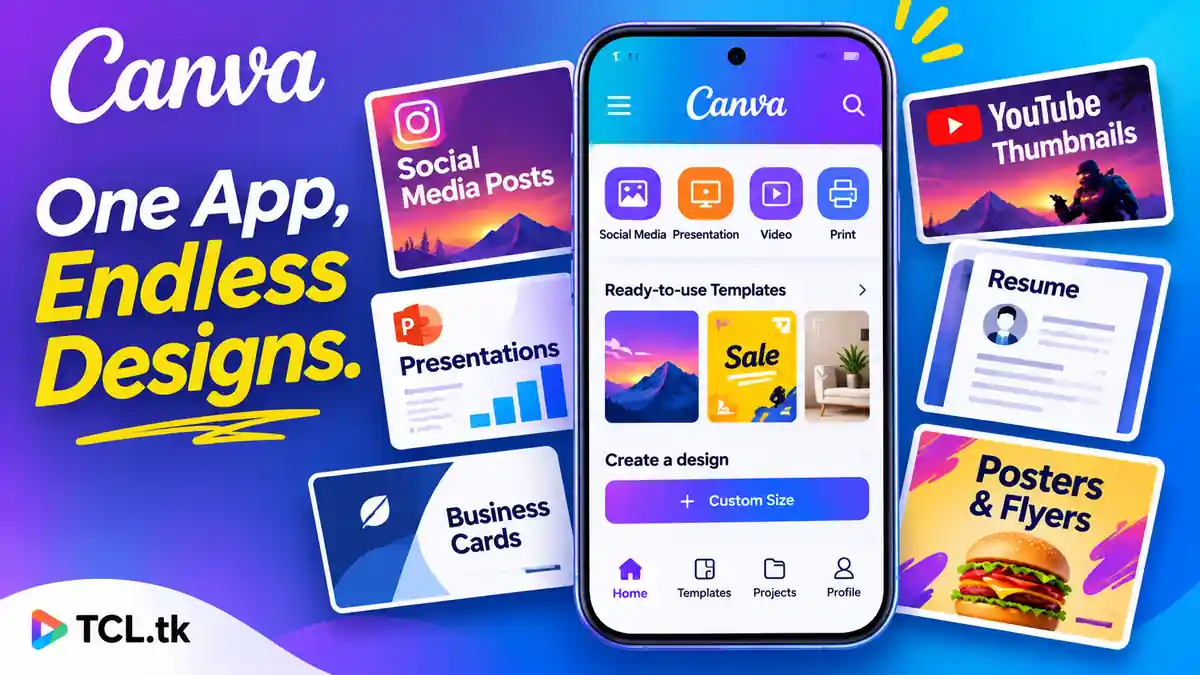
Canva provides templates for different platforms, industries and occasions. Instead of creating everything from scratch, users can choose an existing layout and modify its colors, photographs, fonts and text.
Templates are particularly helpful when creating promotional posters, invitations and social media graphics under tight deadlines.
Drag-and-Drop Graphic Editor
The mobile editor allows users to reposition, resize and rotate design elements using touchscreen controls.
You can add text boxes, illustrations, shapes, frames and photographs without learning complicated editing commands. This makes Canva approachable for people with little or no previous graphic design experience.
Photo Editing Tools
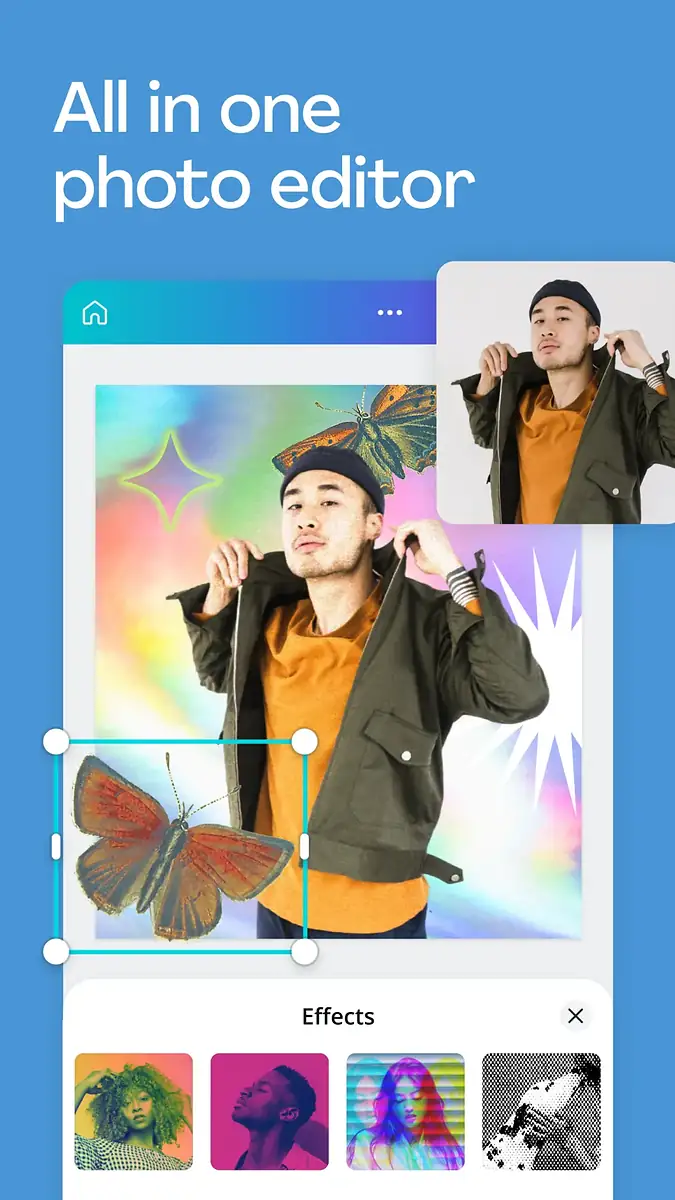
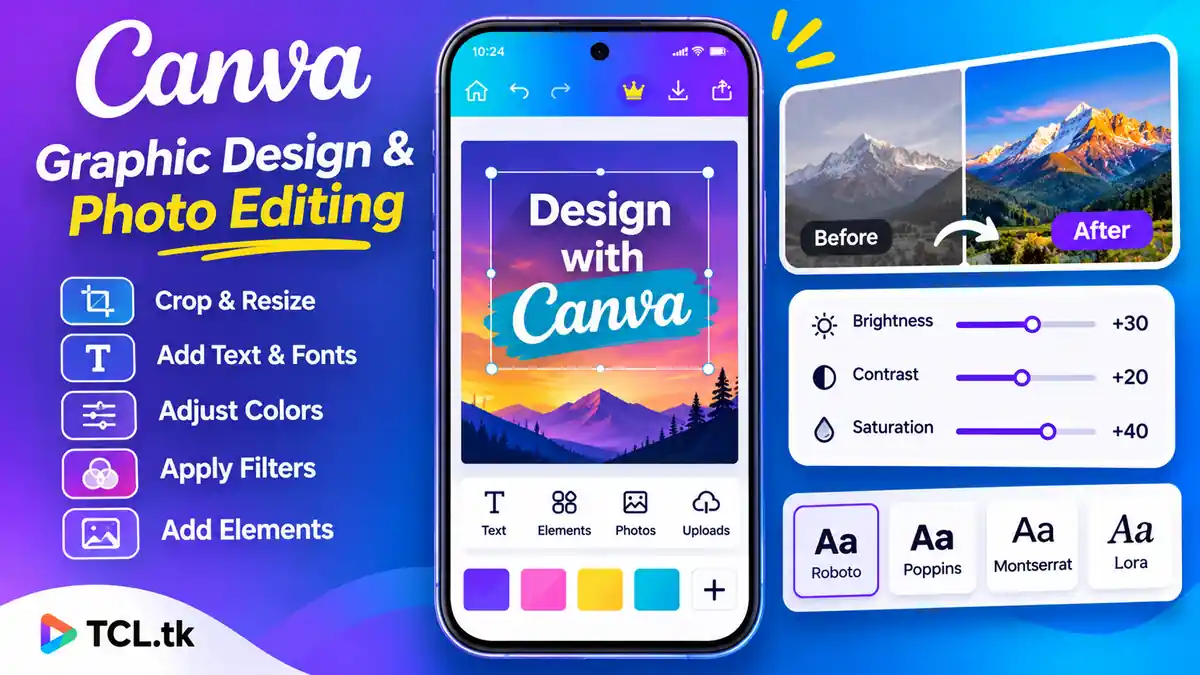
Canva includes built-in photo editing capabilities for cropping images, adjusting brightness, modifying contrast and applying filters.
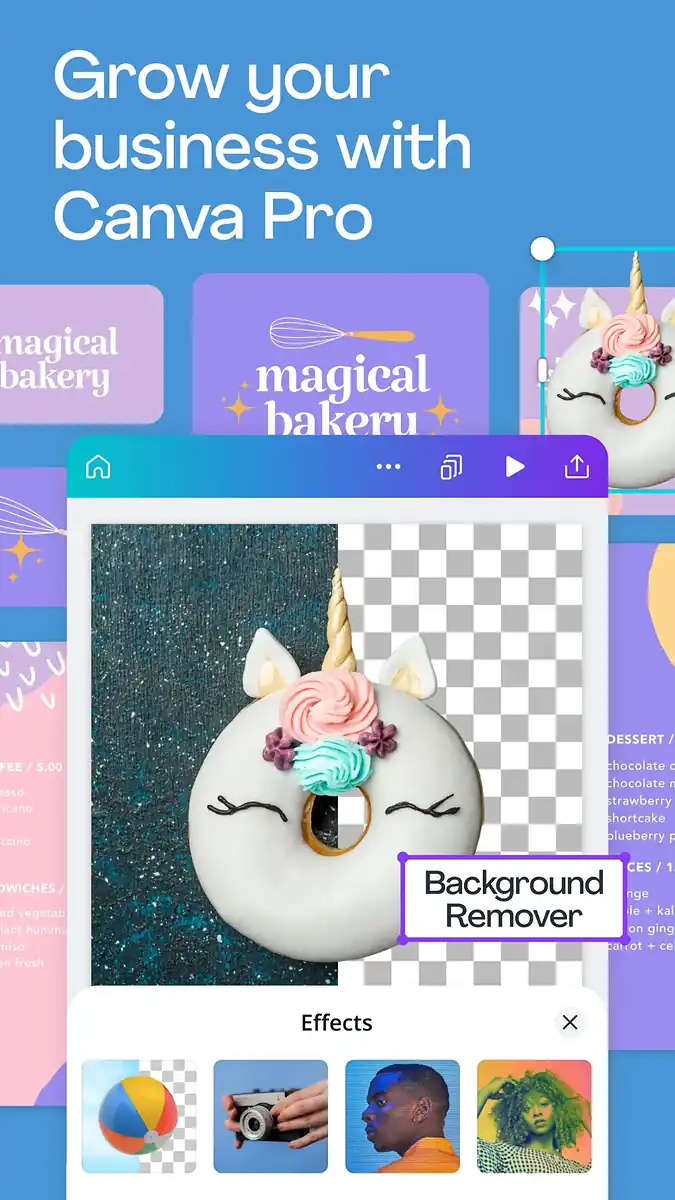
Users can combine photographs with decorative elements, text overlays and backgrounds. Advanced tools, including certain background removal features, may require a premium plan or have limited free access.
Video Editor and Animation
Canva also supports video creation for social media, marketing campaigns and personal projects.
Its editing tools allow users to arrange clips, trim footage, insert transitions, add text and incorporate animations. Finished videos can be exported in compatible formats such as MP4.
Although Canva does not replace every advanced video editing application, it works well for straightforward promotional videos and visually engaging presentations.
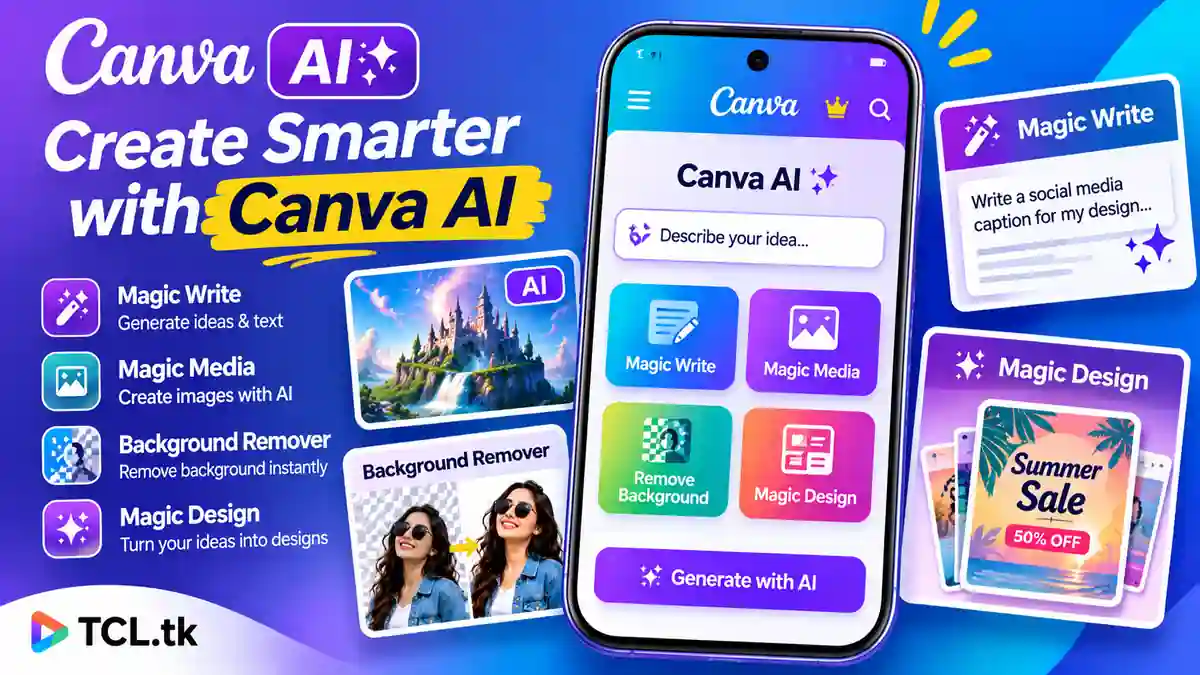
AI-Powered Creative Tools
Canva incorporates artificial intelligence through features that assist with writing, image generation and design creation.
Tools such as Magic Write and Magic Media can help users develop initial ideas, generate visual content and overcome creative blocks.
Availability and usage limits depend on the selected subscription, account eligibility and individual feature. AI-generated content should also be reviewed for accuracy and suitability before publication.
Cloud Storage and Collaboration
Canva saves projects to your account, making it easier to continue working across different devices.
Users can also share designs with colleagues, invite collaborators and manage editing permissions. This is useful for businesses, student groups and teams working together on creative assignments.
What Can You Create With Canva?
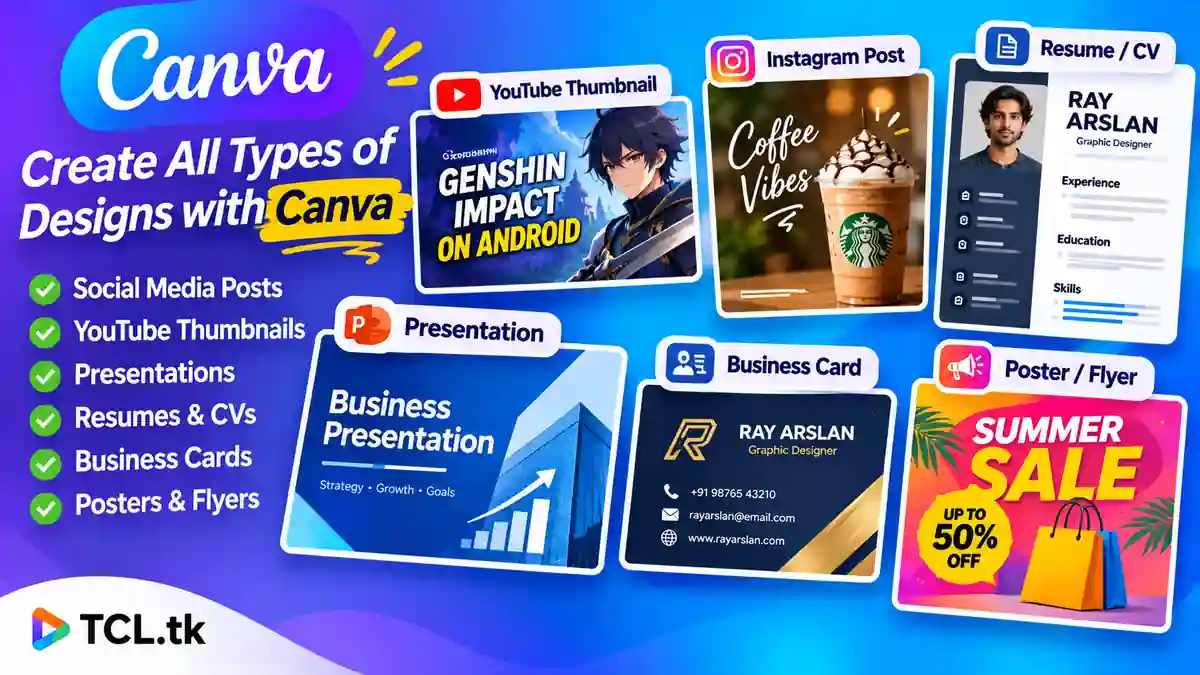
Canva supports considerably more than basic photo editing. Some of its most practical applications include:
- Social media graphics: Instagram posts, Facebook covers and promotional content.
- YouTube content: Video thumbnails, channel banners and introductory graphics.
- Business materials: Flyers, brochures, advertisements and business cards.
- Educational resources: Presentations, worksheets, infographics and project covers.
- Personal designs: Wedding invitations, birthday cards and photo collages.
- Professional documents: Resumes, portfolios and business proposals.
- Video content: Promotional clips, short videos and animated presentations.
For small businesses, reusable templates can also help maintain consistent branding without requiring a dedicated graphic designer for every project.
Canva Free vs Canva Pro
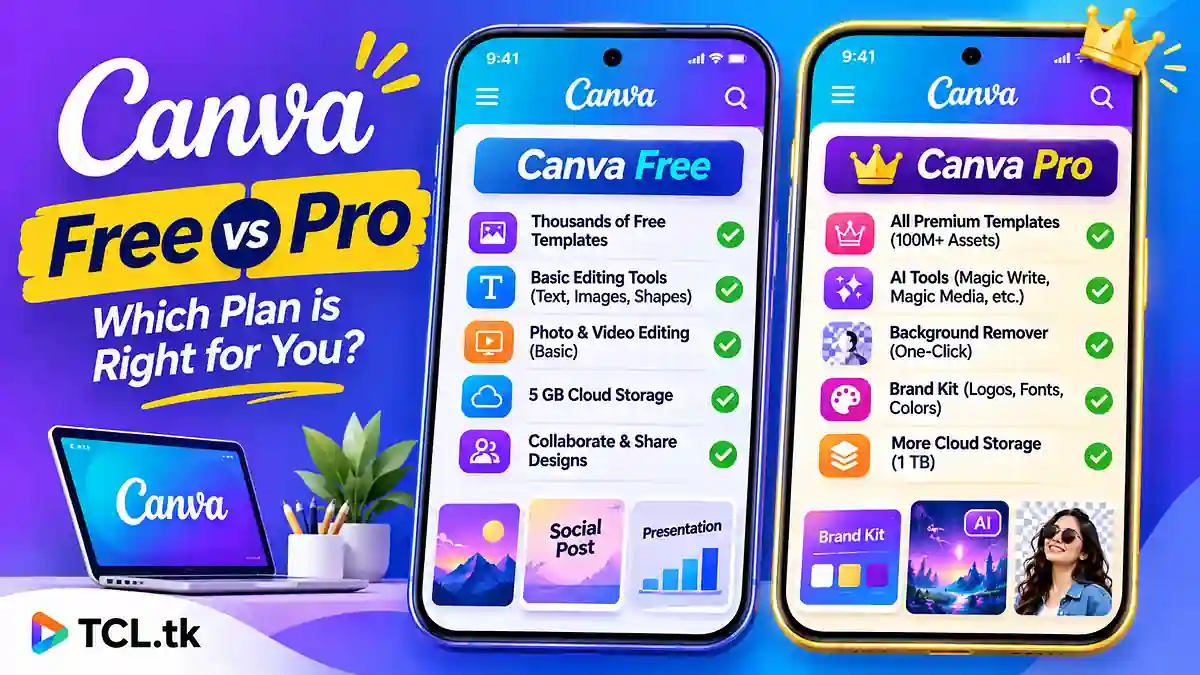
Canva offers both free and paid access to its creative platform. Understanding the differences helps users avoid paying for features they may not need.
Canva Free
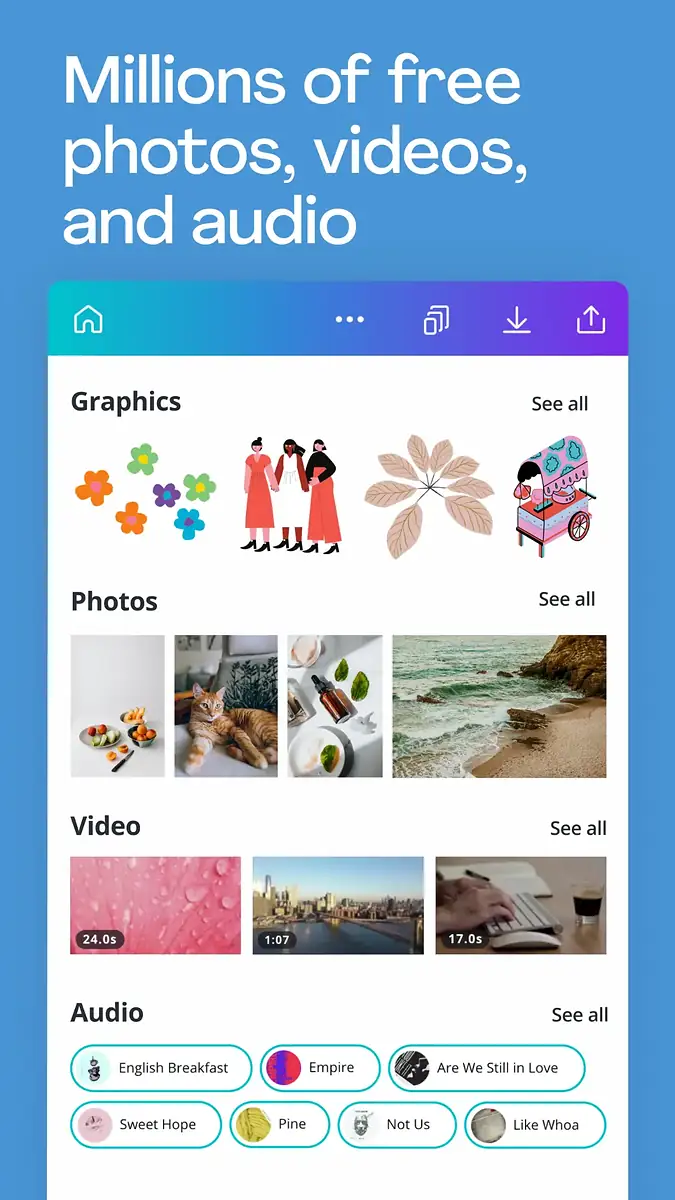
The free version provides essential design functionality, customizable templates, basic photo and video editing, free design assets and standard export options.
For students, occasional content creators and individuals producing simple graphics, Canva Free is often sufficient.
Canva Pro
Canva Pro provides access to additional premium templates, stock media, branding tools, advanced editing features and expanded AI capabilities.
Features such as background removal, advanced resizing and premium content libraries can improve productivity for users who create designs regularly.
Canva Pro is an official paid subscription. Installing a different APK does not automatically provide legitimate access to premium account features.
Users should check Canva’s official pricing page for current subscription costs and available plans in their region.
How to Download and Install Canva APK on Android
The recommended way to install Canva is through its official Google Play listing. This provides access to the application distributed by its developer and simplifies future updates.
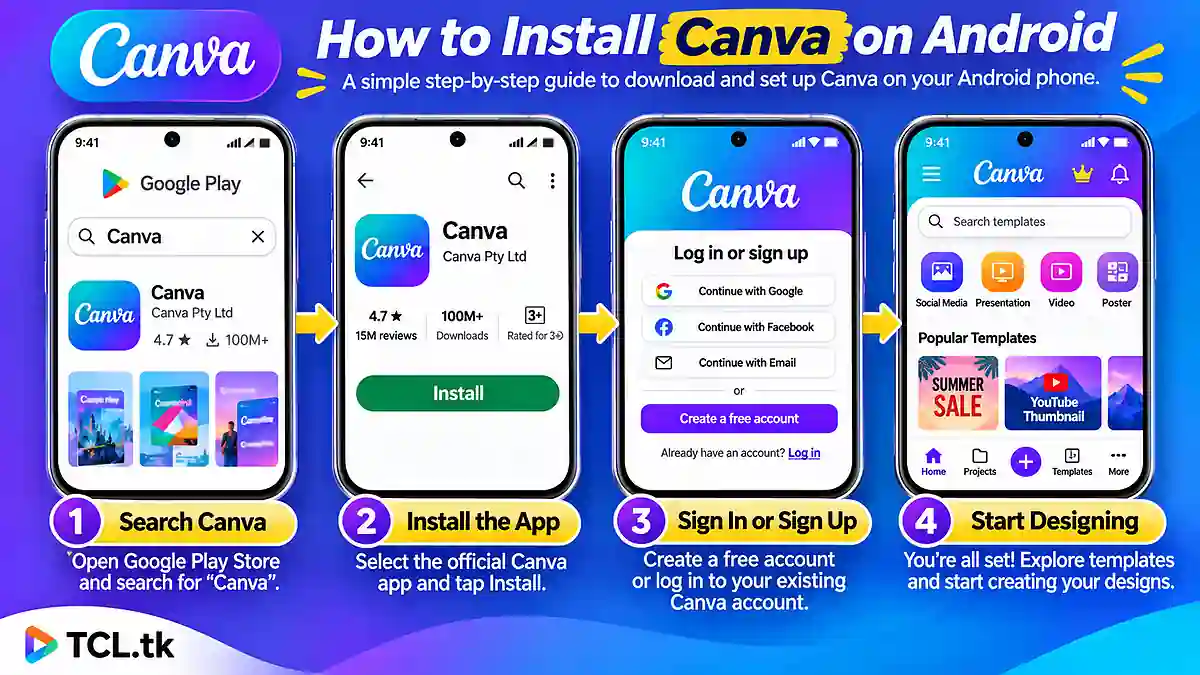
Follow these steps:
- Open Google Play Store on your Android smartphone.
- Search for Canva.
- Select the official application published by Canva.
- Tap the Install button.
- Wait for the installation to finish.
- Launch Canva and create an account or sign in.
- Choose a template or start a new design.
You can also visit the official Canva Android download page to access its recommended installation option.
The official application uses the Android package name com.canva.editor. However, a matching package name alone does not guarantee that an externally downloaded APK is authentic.
Avoid modified applications that promise permanently unlocked premium features, as they may introduce security risks or compromise your account.
How to Use Canva on Android
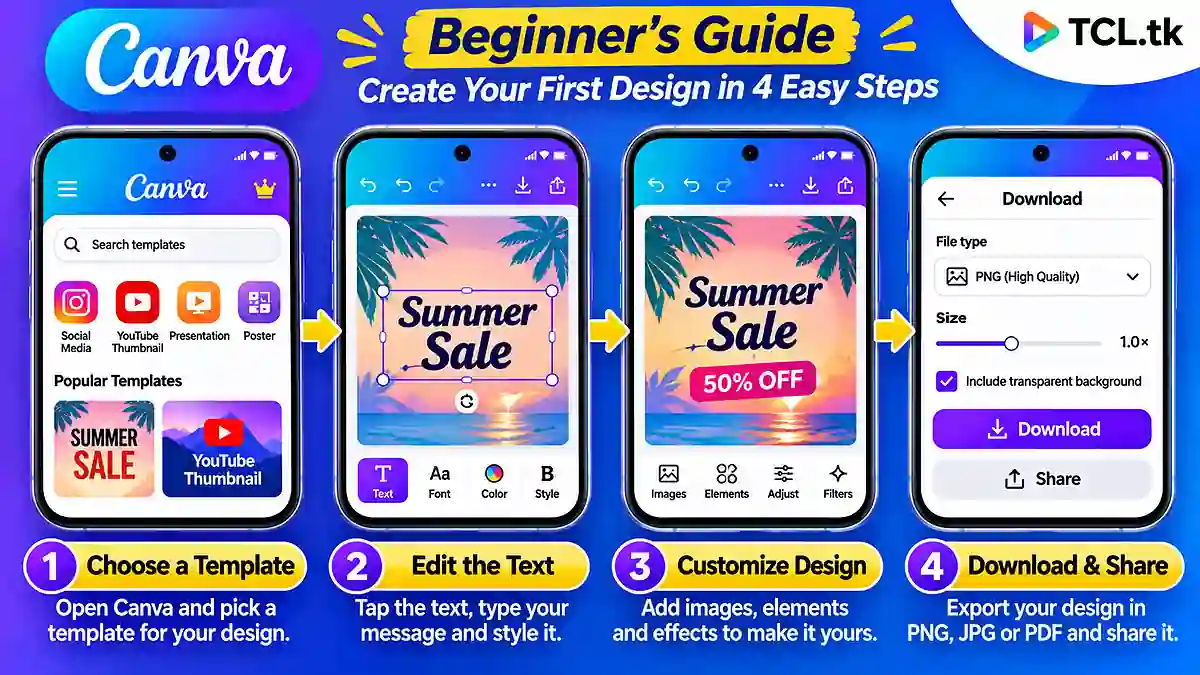
Creating your first design is relatively straightforward, even if you have never used graphic design software before.
Start by opening Canva and searching for the type of content you want to create, such as an Instagram post or YouTube thumbnail.
Select a suitable template or begin with a blank canvas. Replace the sample text with your own content, upload photographs and adjust the colors to match your preferred style.
You can then add illustrations, shapes and other decorative elements. Preview the finished layout to ensure that text remains readable and important information is properly positioned.
When your design is ready, use the Share or Download option and select an appropriate file format.
A useful beginner tip is to use no more than two or three fonts in a single design. Consistent typography, sufficient spacing and contrasting colors generally produce cleaner results.
Supported Export Formats
Canva supports multiple download formats, depending on the design type and subscription.
PNG is suitable for graphics containing text and illustrations, while JPG works well for photographs and general-purpose images where smaller file sizes are preferred.
PDF is useful for documents, presentations and printable materials. MP4 supports video projects, while GIF can be used for compatible animated designs.
Some advanced export settings, such as transparent backgrounds and additional print options, may require a paid plan.
Always select the format according to how the finished design will be used rather than automatically choosing the highest available quality.
Can You Use Canva Without Internet?
Canva supports limited offline editing on compatible Android devices. Users can prepare supported existing designs for offline access while connected to the internet.
Once prepared, these designs can be edited without an active connection. However, features such as browsing new online templates, generating AI content, collaborating with others and exporting finished designs still require internet access.
Changes made offline can synchronize when the device reconnects. Make sure synchronization finishes before signing out or clearing application data.
Is Canva APK Safe to Download?
The official Canva application is generally safe when obtained through a trusted distribution channel such as Google Play.
Unofficial APK files, however, may contain unauthorized modifications, malicious code or intrusive advertising. Since Canva accounts can contain personal photographs and business documents, downloading an unverified application creates unnecessary privacy risks.
Keep Google Play Protect enabled, install security updates and avoid entering account credentials into modified applications.
Businesses should also review Canva’s content licensing rules before using stock illustrations, photographs or templates commercially, particularly when creating trademarked logos.
How to Fix Common Canva App Problems
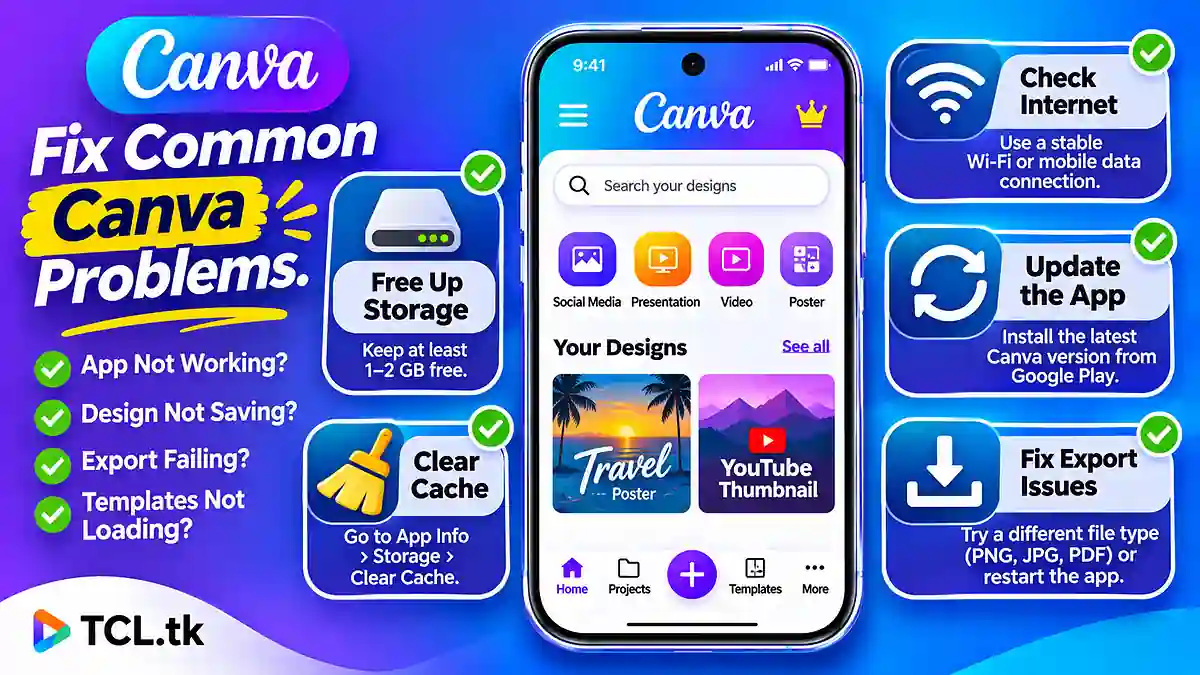
If Canva crashes, loads slowly or fails to export designs, try these troubleshooting steps:
- Update Canva through Google Play Store.
- Update Android System WebView.
- Check your internet connection.
- Free up internal storage.
- Clear the application cache.
- Close unnecessary background applications.
- Restart your smartphone.
For export errors, check whether your design includes premium elements that require payment. Large videos and complex designs may also take longer to process.
If projects appear missing, confirm that you are signed into the correct Canva account or team.
Frequently Asked Questions
Is Canva APK free?
Yes. The official application is free to download and offers a free plan. Additional premium features are available through paid subscriptions.
Does Canva add a watermark?
Designs using free resources can generally be exported without a Canva watermark. Unlicensed premium content may appear watermarked or require payment.
Can I create YouTube thumbnails using Canva?
Yes. Canva provides customizable YouTube thumbnail templates, typography, illustrations and photo editing tools.
Can I use Canva for commercial purposes?
Many Canva designs can be used commercially, provided you comply with the applicable content licensing terms and restrictions.
Is Canva available for PC?
Yes. Canva is available through compatible desktop web browsers and dedicated desktop applications.
Final Verdict
Canva APK is a versatile creative application for Android users who want to produce attractive graphics without learning complicated professional software.
Its template library, accessible editing tools, video capabilities and AI-assisted features make it suitable for students, businesses, freelancers and content creators.
The free version provides enough functionality for many everyday design projects, while premium subscriptions offer additional productivity tools for frequent users.
For the safest experience, download Canva through official channels, keep the application updated and choose a subscription only when its additional features are genuinely useful to your workflow.