Fortnite Battle Royale APK
v43.10.0-60118918-Android
Epic Games
Download the Fortnite APK for Android, check Epic's official requirements, and follow simple install steps plus tips for smoother play on mid-range phones.
- Version
- v43.10.0-60118918-Android
- Size
- 256.5 MB
- Requires
- Android 8.0 and up
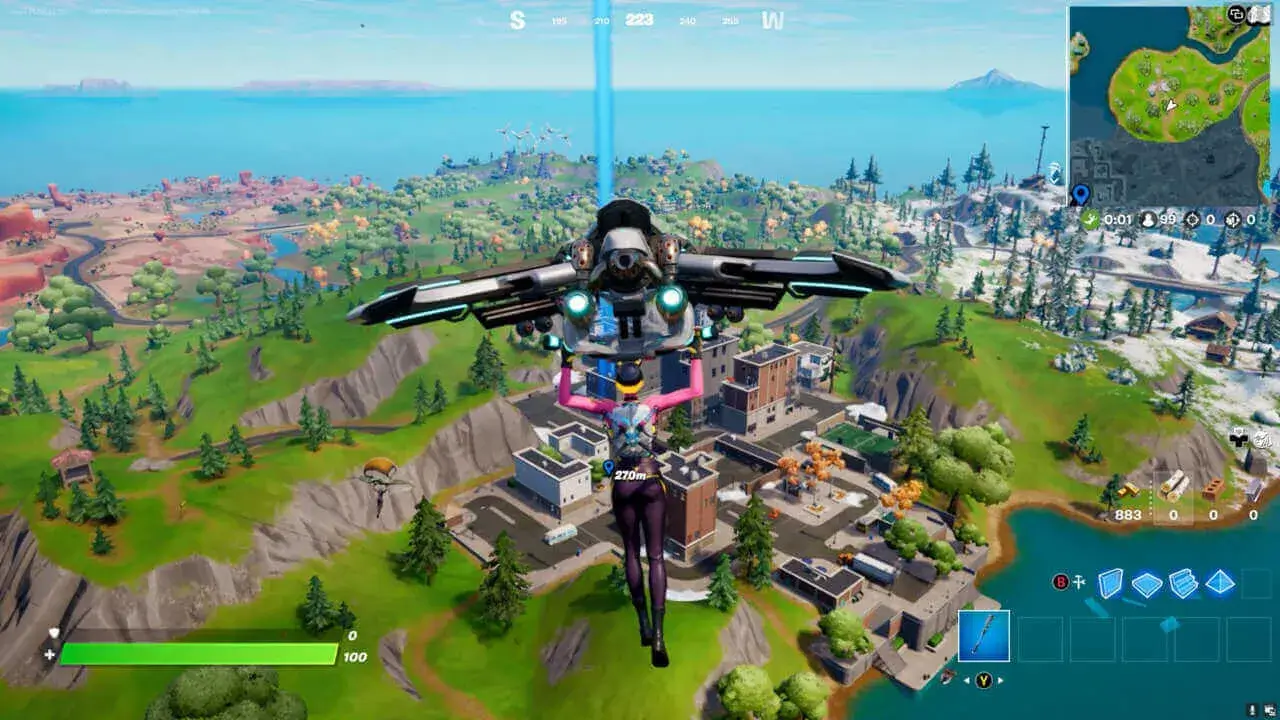
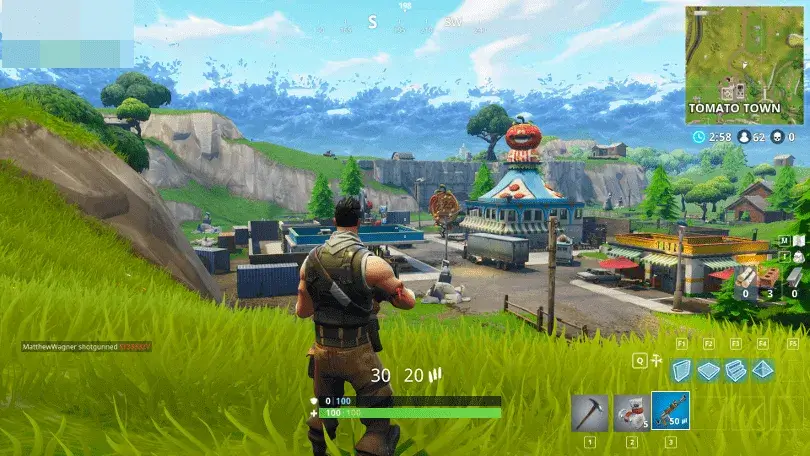
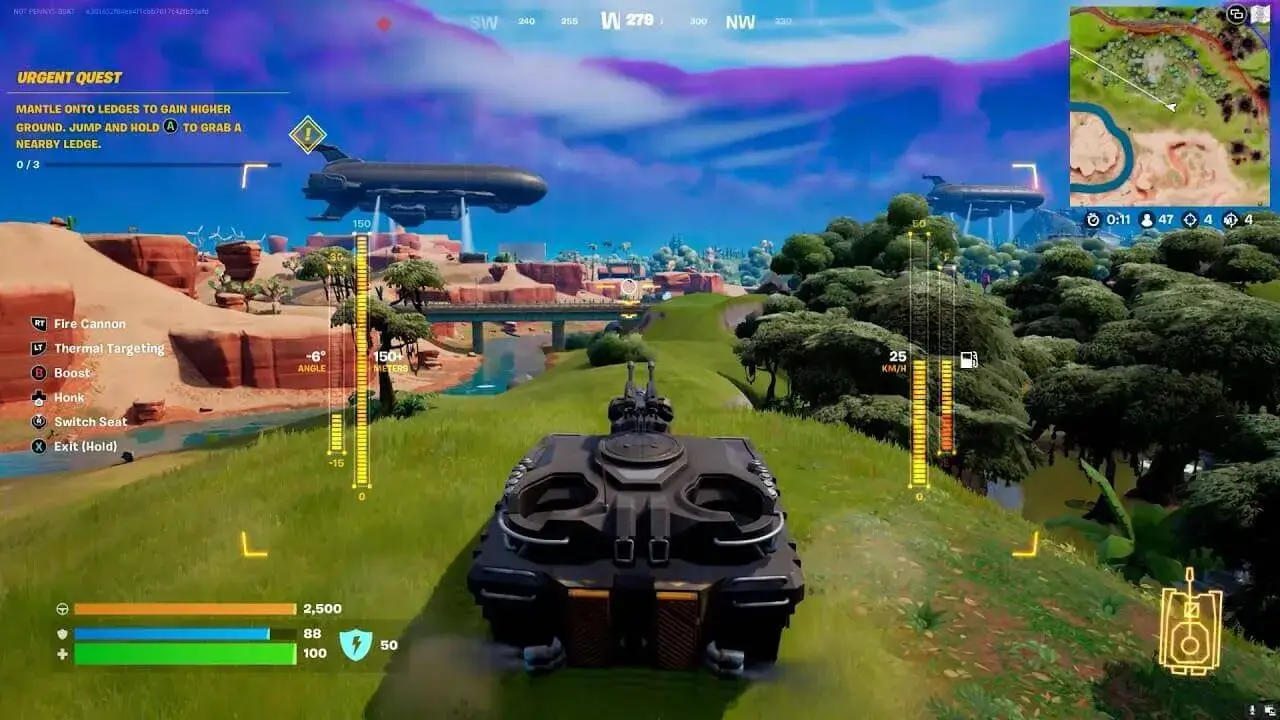
Screenshots
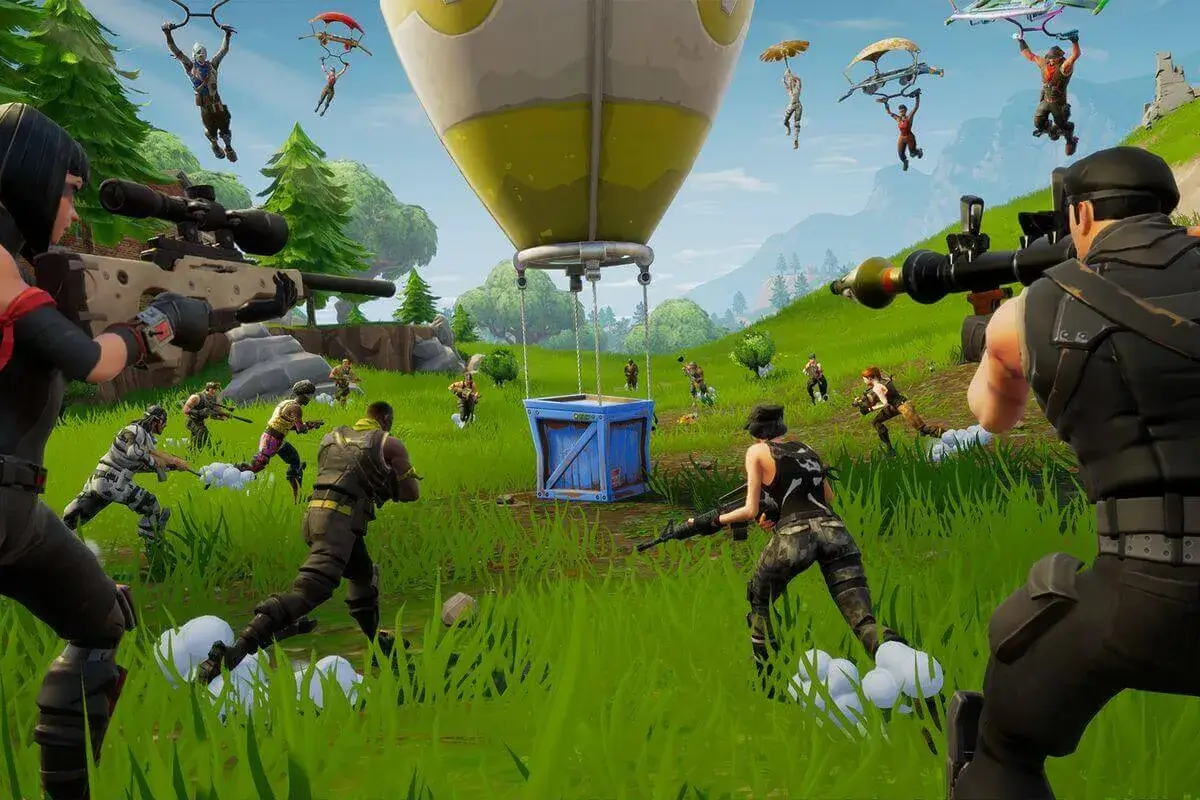
What is Fortnite?
Fortnite is a free-to-play online game made by Epic Games. It’s best known for Battle Royale, where up to 100 players drop onto an island and the last player or squad standing wins.
You can also play:
- Zero Build: the same battle royale, but with building turned off. This is the easier mode for new players.
- Creative and player-made islands: thousands of games built by the community, which you can play on mobile too.
- Other modes such as LEGO Fortnite and Fortnite Festival.
The game is free. You only pay if you choose to buy V-Bucks, the in-game currency used for outfits and the Battle Pass.
What’s in this Fortnite APK
The file on this page is the Fortnite APK for Android. The version and file size are shown in the box above
The APK is only the starting point. When you open Fortnite for the first time, it downloads a lot of extra game data. Epic doesn’t publish an official storage figure for Android, but reported total installs are around 10–15 GB, so keep at least 15 GB free before you start
Key features
- Free to play, with optional purchases.
- Cross-platform play: Android players can join matches and parties with friends on PC, PlayStation, Xbox, Switch and iPhone.
- Cross-progression: if your platforms are linked to the same Epic Games account, your outfits and progress carry across devices. V-Bucks are the exception: they don’t all move between platforms.
- Build or Zero Build modes, so you can play with or without the building mechanic.
- Regular updates and seasons that change the map, weapons and items.
- Touch controls you can customise, plus support for Bluetooth controllers.
Fortnite Android requirements
These are Epic Games’ official Android requirements (see the official Fortnite Android system requirements page).
| Minimum | Recommended | |
|---|---|---|
| Android version | Android 10 or higher | Android 14 or higher |
| RAM | 4 GB | 8 GB or more |
| Processor | 64-bit Android on an ARM64 processor | Snapdragon 8 Gen 3, Exynos 2400, Dimensity 9200 or newer |
| GPU | Adreno 530 or higher, Mali-G71 MP20, or Mali-G72 MP12 or higher | (comes with the chips above) |
| Free storage | Not listed by Epic. Plan for about 15 GB | Not listed by Epic. Leave extra room for updates |
A few notes:
- 64-bit is required. Phones running a 32-bit version of Android can’t install Fortnite, even if the hardware looks good enough. If an “Android 10 or higher” phone still won’t install the game, this is a common reason.
- The minimum is low, but that’s only the floor. Epic says phones that only meet the minimum will run the game but may not handle the highest graphics settings.
- Checking your chip: look up your phone’s processor (Settings > About phone, or the spec sheet) and compare its GPU with the table.
How to install the Fortnite APK
- Download the file. Tap the Download button at the top of this page. It takes you to the download page, where the Fortnite APK starts downloading.
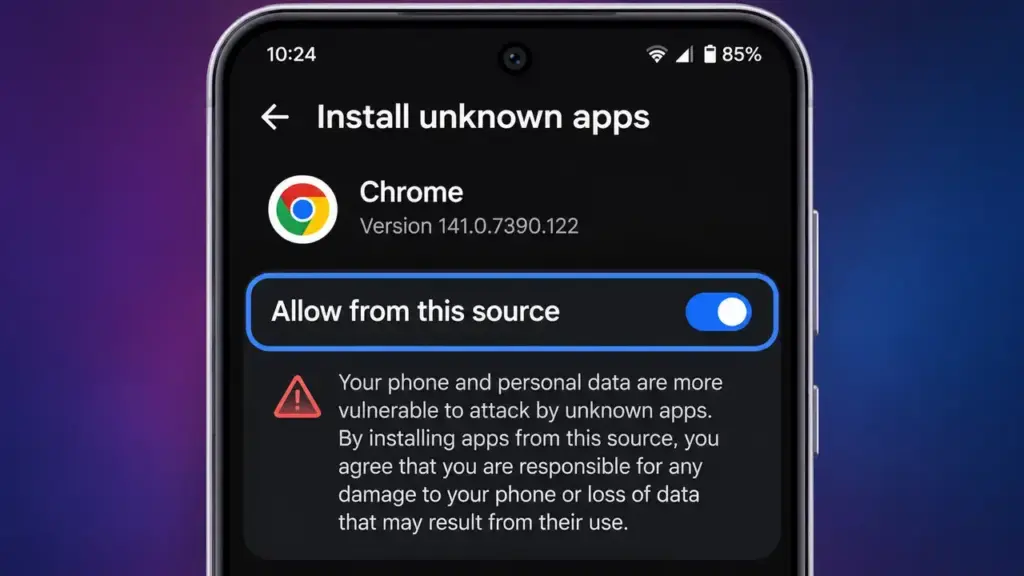
- Allow installs from this source. When Android asks, allow Install unknown apps for your browser or file manager. You’ll usually find this under Settings > Apps > Special app access > Install unknown apps.
- Open the file. Tap the finished download in your notification bar, or find it in your Downloads folder.
- Install. Tap Install and wait for it to finish.
- Launch Fortnite.
- Sign in with your Epic Games account, or create one. Use the same account as your other devices to keep your progress.
- Let it download the game data. Stay on Wi-Fi and keep the app open until the extra data finishes downloading.
New to installing apps outside the Play Store? Read our step-by-step guide to installing APK files on Android
Other official ways to get Fortnite on Android
You can also get Fortnite through Epic Games’ own channels:
- Google Play: Fortnite came back to Google Play worldwide on March 19, 2026, after almost six years away. Indian media reported it was back on the Indian Play Store too.
- Epic Games Store app: Epic’s own Android store can install Fortnite and keep it updated. You download it from Epic’s website rather than Google Play, and it’s available in most countries.
All of these routes give you the same game and use the same Epic Games account.
Tips for better performance on mid-range phones
- Lower the graphics preset. Start at Low or Medium and only raise it if the game stays smooth.
- Choose a stable FPS limit. A steady 30 FPS feels better than a frame rate that keeps jumping between 30 and 60.
- Close background apps before you play. Epic suggests this too.
- Keep storage free. Leave a few GB spare so updates don’t fail and the phone doesn’t slow down.
- Watch the heat. Take off thick cases while you play, avoid charging during long sessions, and stop if the phone gets very hot.
- Use battery saver carefully. Some battery modes reduce performance; switch them off while gaming if your battery level allows it.
Beginner gameplay tips
- Start with Zero Build. Learn to aim, loot and rotate before you try building fights.
- Land away from the bus path. Quieter areas give you time to find weapons and shields.
- Use sound. Footsteps and chest sounds warn you about enemies. The game’s visual sound effects option helps if you play without headphones.
- Keep moving with the storm. Move toward the safe zone early instead of fighting at the edge.
- Customise your HUD. Move the buttons so your thumbs can reach the fire, jump and crouch buttons easily.
- Play with friends. Squads are more forgiving while you learn. If you like this genre, see our other action games for Android.
Why to avoid Fortnite MOD APKs and “free V-Bucks”
Fortnite is an online game, and your inventory lives on Epic’s servers, not on your phone. That’s why “unlimited V-Bucks” or “free skins” MOD APKs can’t actually give you anything, and they come with real risks:
- Account bans: cheating or modified clients can get your Epic account banned.
- Account theft: “free V-Bucks” sites often ask for your Epic login, and some use it to take over accounts.
- Malware: modified APKs can hide spyware or adware.
The only real V-Bucks come from Epic’s in-game store, official gift cards and Battle Pass rewards. For more on staying safe, read our Android security tips.
Conclusion
The Fortnite APK on this page lets you install Fortnite on your Android phone directly. You can also get it from Google Play or the Epic Games Store. Check that your phone is 64-bit and has about 15 GB free, sign in with your Epic account, and use the tips above to keep the game running smoothly.
FAQ
Is Fortnite free on Android?
Yes. Fortnite is free to download and play. V-Bucks and the Battle Pass are optional purchases.
Can my phone run Fortnite?
Your phone needs at least 64-bit Android 10, 4 GB of RAM and an Adreno 530, Mali-G71 MP20 or Mali-G72 MP12 (or better) GPU. Epic recommends Android 14, 8 GB of RAM and a recent flagship chip for the best graphics.
How much storage does Fortnite need on Android?
Epic doesn’t publish an official figure. Reported installs are around 10–15 GB after the first data download, so keep at least 15 GB free.
Is Fortnite available on the Play Store in India?
Fortnite came back to Google Play worldwide in March 2026, and Indian media reported it on the Indian Play Store too. You can also install it from this page or from the Epic Games Store app.
Can I play Fortnite on Android with friends on PC or console?
Yes. Fortnite supports cross-platform play. Link your platforms to one Epic Games account and your outfits and progress carry over too (V-Bucks don’t always transfer).
Why does Fortnite download more data after installing?
The APK holds only the core app. The maps, textures and other game content download the first time you open it, and updates add more later.
Do free V-Bucks generators work?
No. V-Bucks are stored on Epic’s servers. These generators and MOD APKs are scams that can get your account banned or stolen.