VN Video Editor APK
v3.4.2
Ubiquiti Labs, LLC
It is an advanced video editing application with many effects, tools, and features.
VN Video Editor APK
Download For Android
APK · 472.0 MB
Screenshots
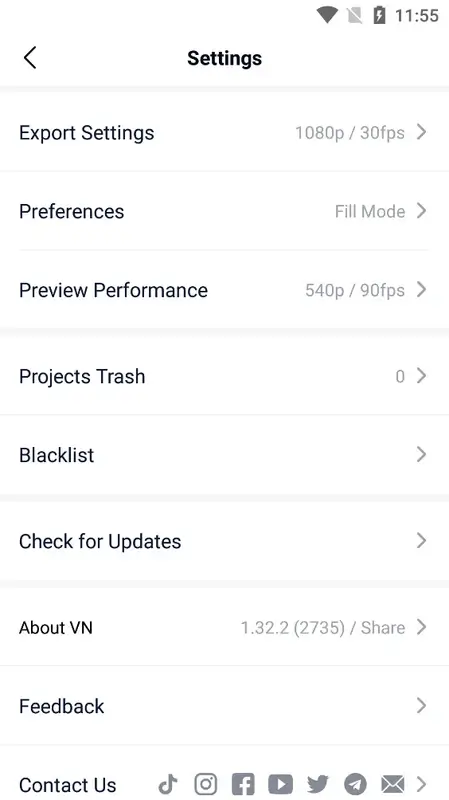
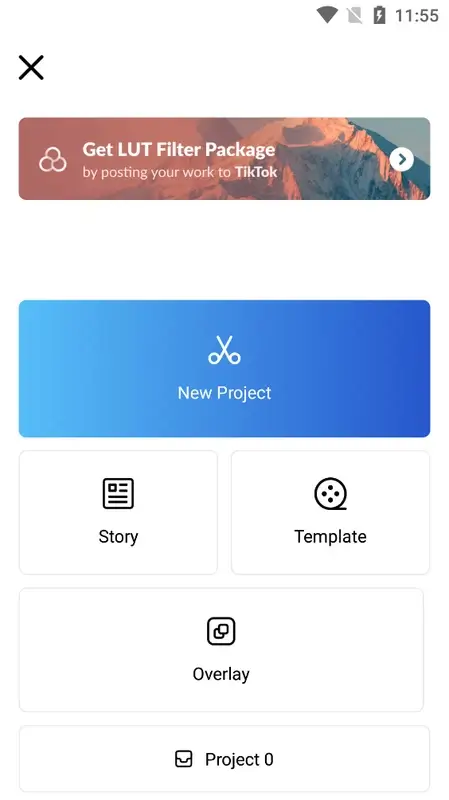
More About VN Video Editor
| Name | VN Video Editor |
|---|---|
| Package Name | com.frontrow.vlog |
| Category | Video Players & Editors |
| Version | 3.4.2 |
| Size | 472.0 MB |
| Requires Android | 5.0 and up |
| Last Updated | 24 November 2026 |
VN Video Editor APK is a powerful video editing application for Android that allows users to create professional-quality videos without requiring advanced editing experience. From cinematic travel videos and Instagram Reels to YouTube Shorts and gaming montages, VN provides an impressive collection of tools for mobile content creators.
The application combines a multi-layer editing timeline with keyframe animation, cinematic filters, customizable transitions, AI-powered editing tools and high-resolution video exports.
Unlike many mobile video editors, VN allows users to export standard video projects without a mandatory watermark, making it an attractive option for beginners and experienced creators.
What Is VN Video Editor APK?
VN Video Editor, also known as VlogNow, is a video and photo editing application developed by Ubiquiti Labs, LLC. It provides a timeline-based editing experience that brings many desktop-style editing capabilities to smartphones.
Instead of switching between multiple applications for trimming videos, adding subtitles and applying visual effects, users can complete most of their editing tasks within VN.
The application is officially available on Android, iOS, Windows and macOS. Its Android version is listed as VN: Photo & Video Editor on Google Play.
VN is particularly useful for social media creators, YouTubers, vloggers, students, freelancers and small businesses looking to produce engaging videos directly from their mobile devices.
Key Features of VN Video Editor APK
1. Multi-Layer Video Editing
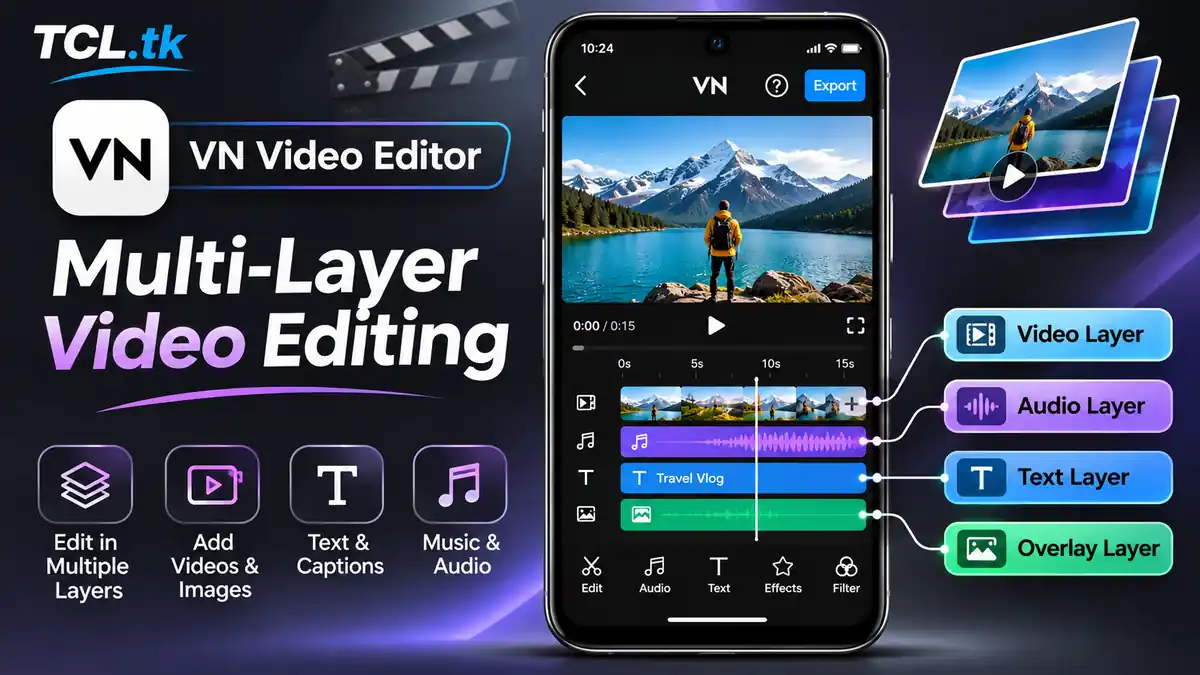
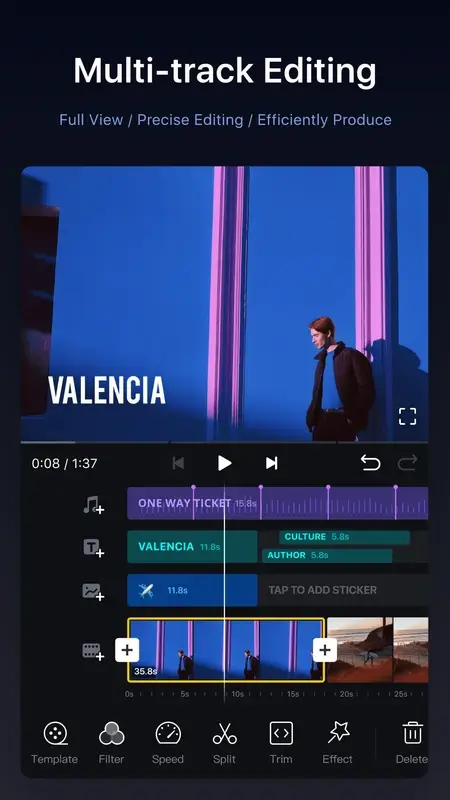
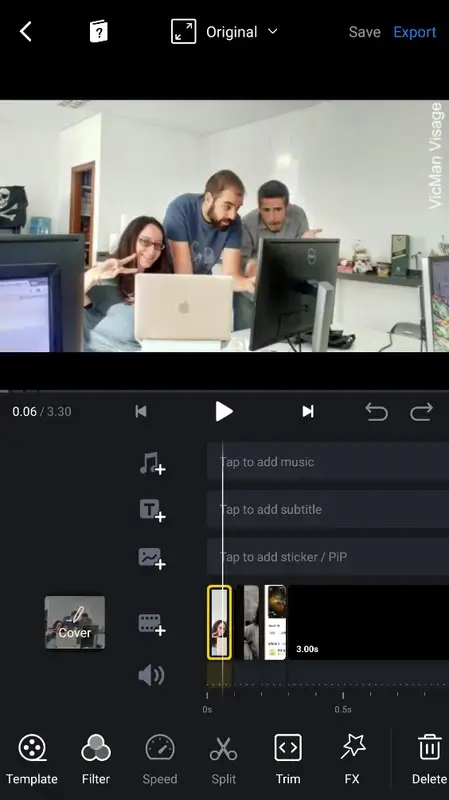
VN features a multi-track editing timeline that provides greater control over individual elements within a video.
Users can combine video clips, images, text, audio and visual overlays in a single project. Each element can be positioned and edited independently without affecting the entire composition.
This functionality is particularly useful for creating reaction videos, gaming highlights, tutorials and product demonstrations.
The timeline also supports precise trimming, splitting and rearranging of clips, making complex editing projects easier to manage.
2. Video Editing Without Watermark
One of the most attractive features of VN Video Editor APK is its watermark-free editing experience.
Many free video editing applications automatically add their branding to exported videos. VN allows standard exports without a mandatory application watermark.
This makes it especially useful for content creators who want to maintain their own branding and businesses producing promotional videos.
Always review your timeline before exporting, as individual templates or projects may include branded ending clips that can be removed.
3. Advanced Keyframe Animation
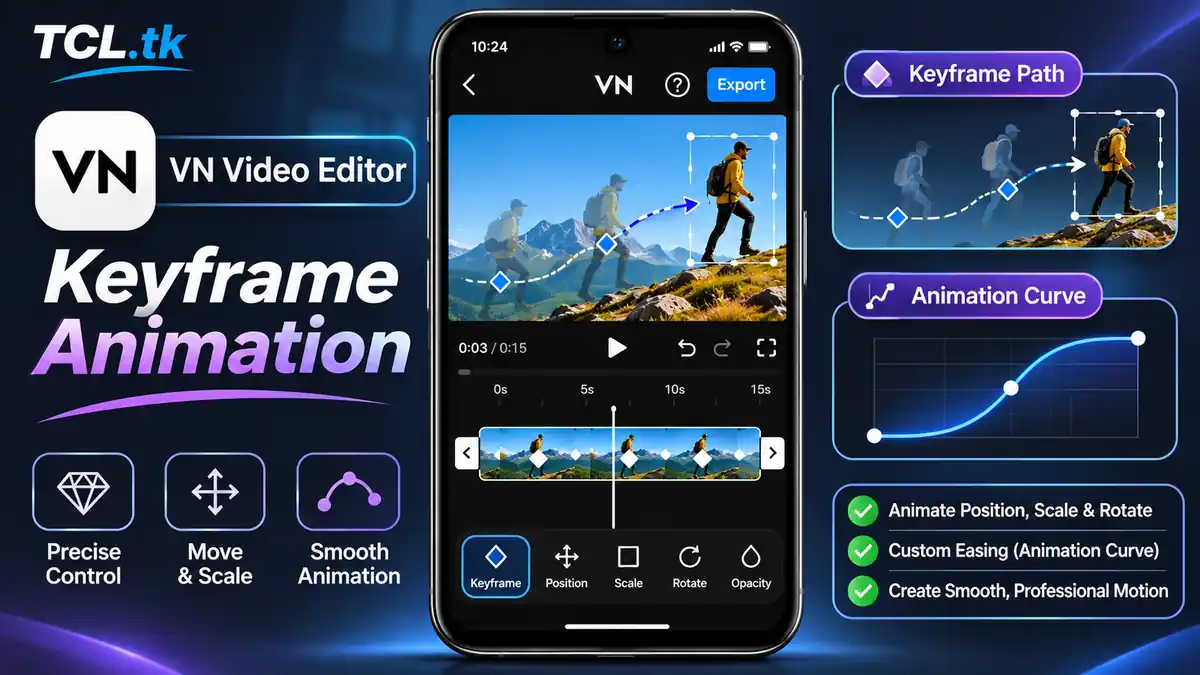
Keyframe animation allows users to change the position, size, rotation and appearance of visual elements over time.
For example, you can gradually zoom into a photograph, animate a title across the screen or move an image smoothly between two positions.
VN provides customizable animation curves that help create more natural movement instead of abrupt changes.
These tools are particularly valuable for cinematic edits, animated introductions, product showcases and creative social media videos.
4. Speed Control and Velocity Editing
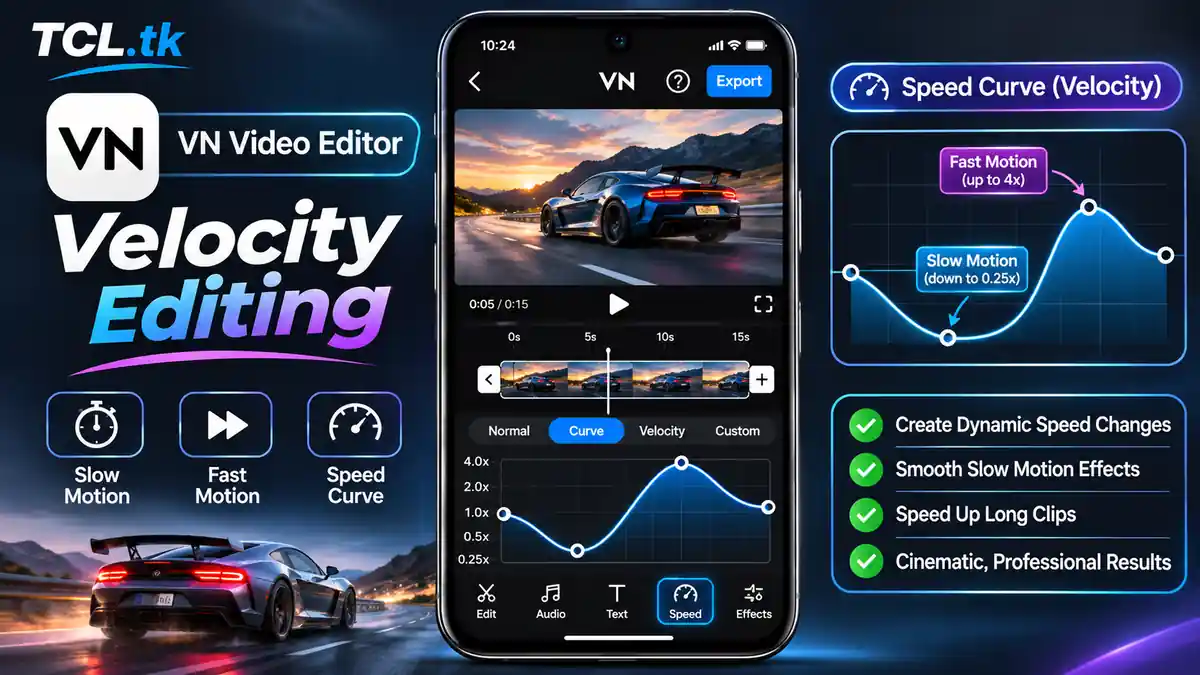
VN provides flexible tools for adjusting video playback speed.
You can slow down important moments, accelerate lengthy footage or combine different speeds within the same clip using speed curves.
This technique, often called velocity editing or speed ramping, is popular in sports videos, automotive content, travel montages and short-form social media edits.
For smoother slow-motion results, recording your original footage at a higher frame rate is generally recommended.
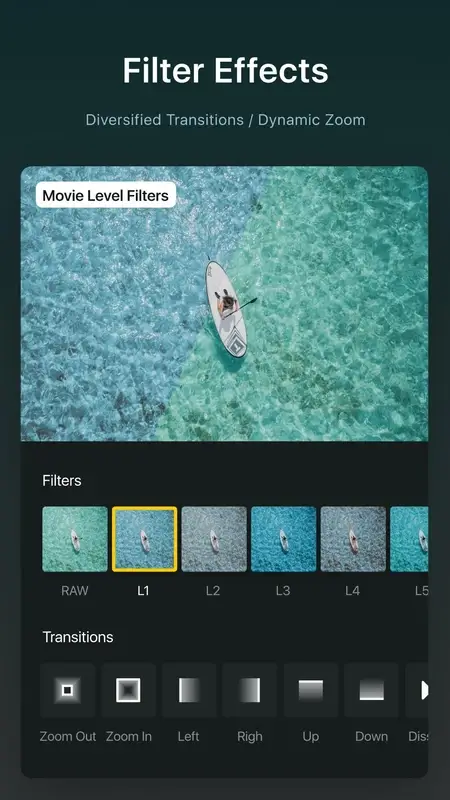
5. Cinematic Filters and Custom LUTs
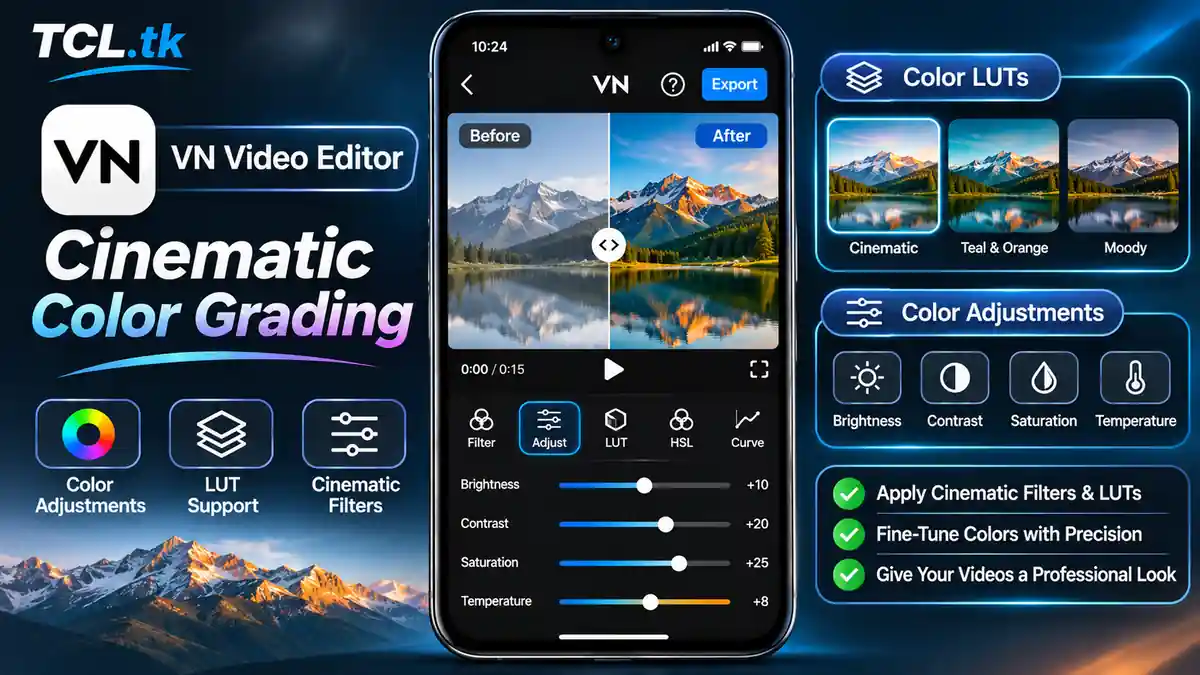
VN includes visual filters and color adjustment tools that help transform ordinary footage into more polished videos.
Users can modify brightness, contrast, saturation and other visual properties to create a consistent appearance across multiple clips.
The application also supports importing LUTs, or Look-Up Tables, which apply predefined color transformations to footage.
Whether you prefer warm travel colors, dramatic cinematic tones or natural-looking footage, these tools provide considerable creative flexibility.
6. AI Tools and Automatic Captions
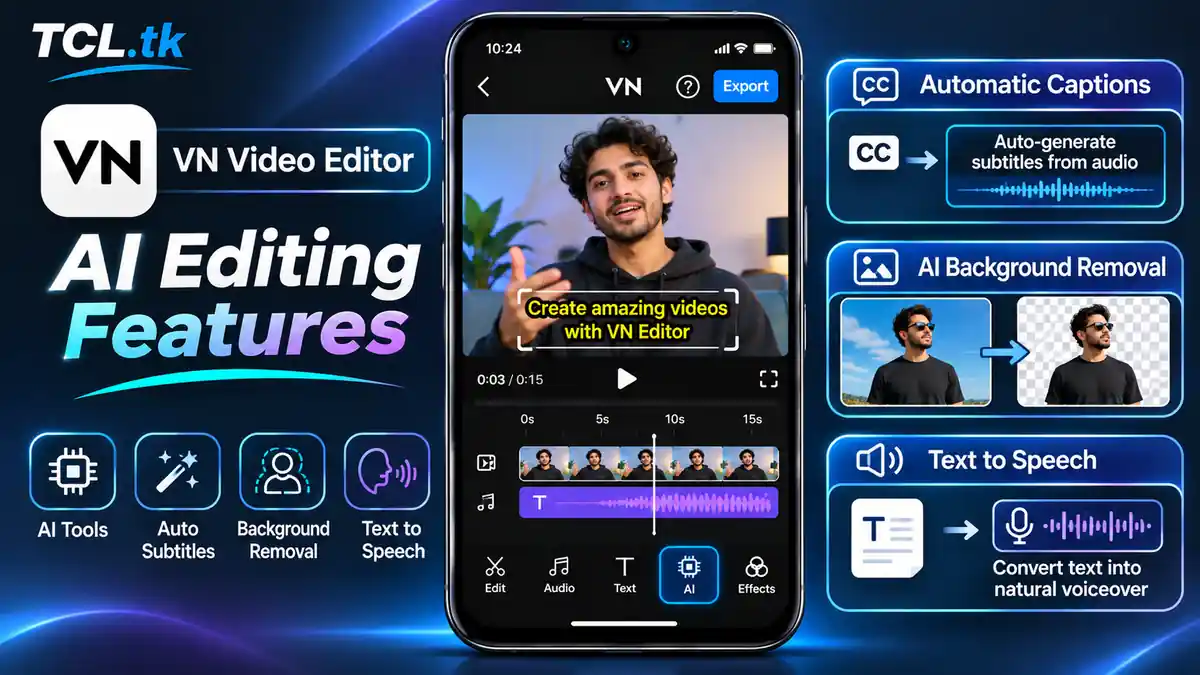
Recent versions of VN include AI-assisted features designed to simplify time-consuming editing tasks.
Automatic captions can convert spoken audio into subtitles, while text-to-speech tools can generate narration from written scripts.
Other AI-powered capabilities include background removal, image enhancement and creative content generation.
Feature availability, usage limits and pricing may vary depending on the installed version.
Always review automatically generated subtitles before publishing, particularly when videos contain regional languages, names or technical terminology.
7. Video Templates and Automatic Editing
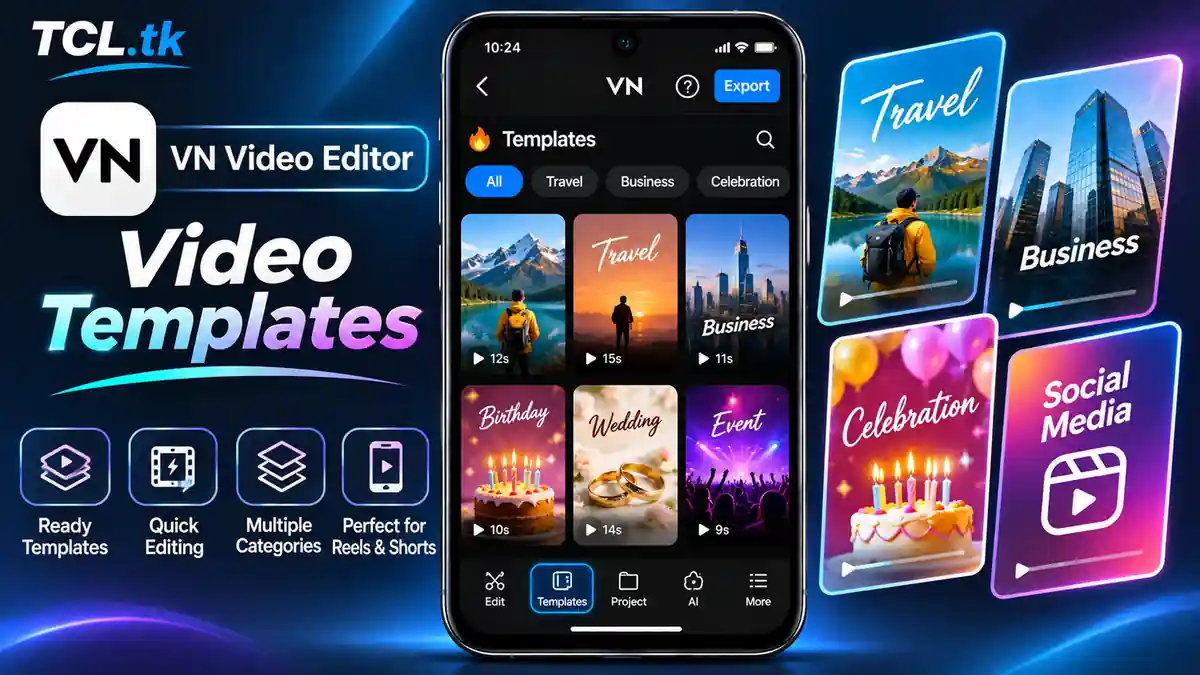
VN offers templates that help users create attractive videos without building every project from scratch.
Templates can simplify the process of arranging footage, applying effects and matching clips to a predetermined visual style.
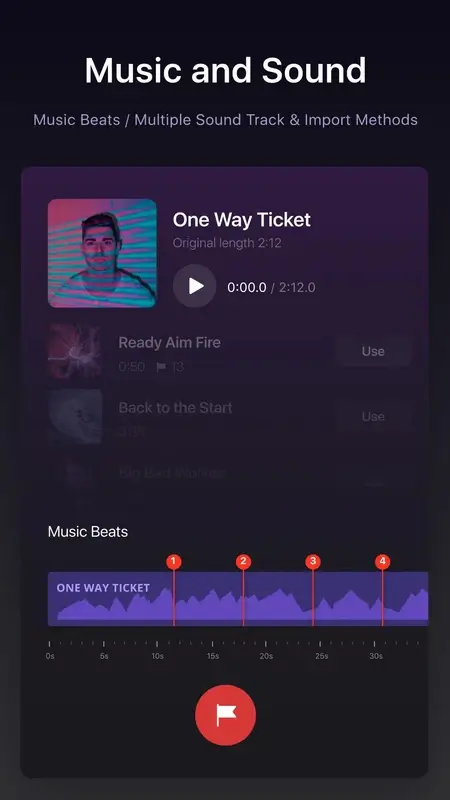
Features such as AutoCut and BeatsClips can also assist with synchronizing footage to audio.
These options are helpful when creating birthday videos, travel highlights, promotional content or social media posts within a limited amount of time.
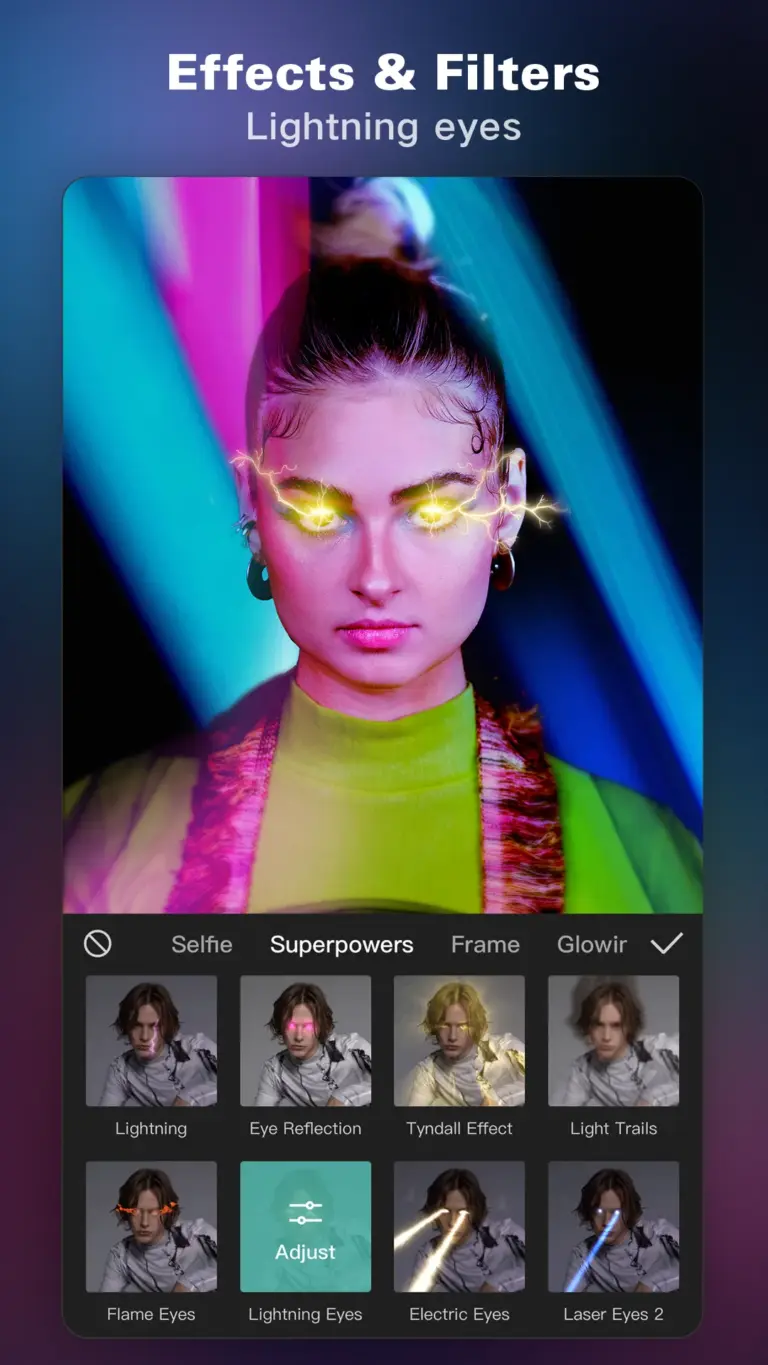
8. Transitions and Visual Effects
Transitions connect individual clips and help maintain a consistent visual flow throughout a video.
VN provides various transition styles and visual effects that can be applied to footage.
However, using too many effects can make videos look distracting. Simple cuts, subtle fades and carefully selected transitions often produce more professional results than excessive animations.
9. High-Quality 4K Video Export
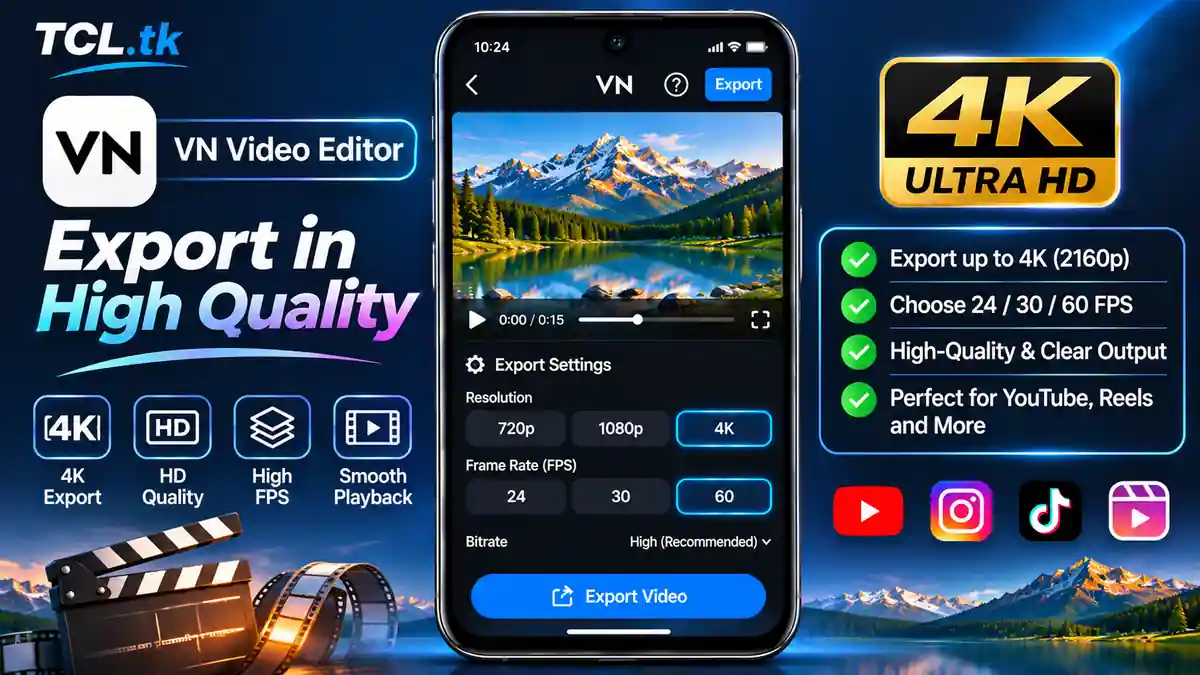
VN Video Editor supports video exports at resolutions of up to 4K and frame rates of up to 60 FPS, depending on device capabilities and project settings.
Users can adjust export quality according to their requirements.
For most Instagram Reels, YouTube Shorts and everyday social media videos, 1080p at 30 FPS provides a practical balance between visual quality, file size and rendering time.
Higher resolutions are better suited to projects recorded in high-quality source footage.
How to Download and Install VN Video Editor APK on Android
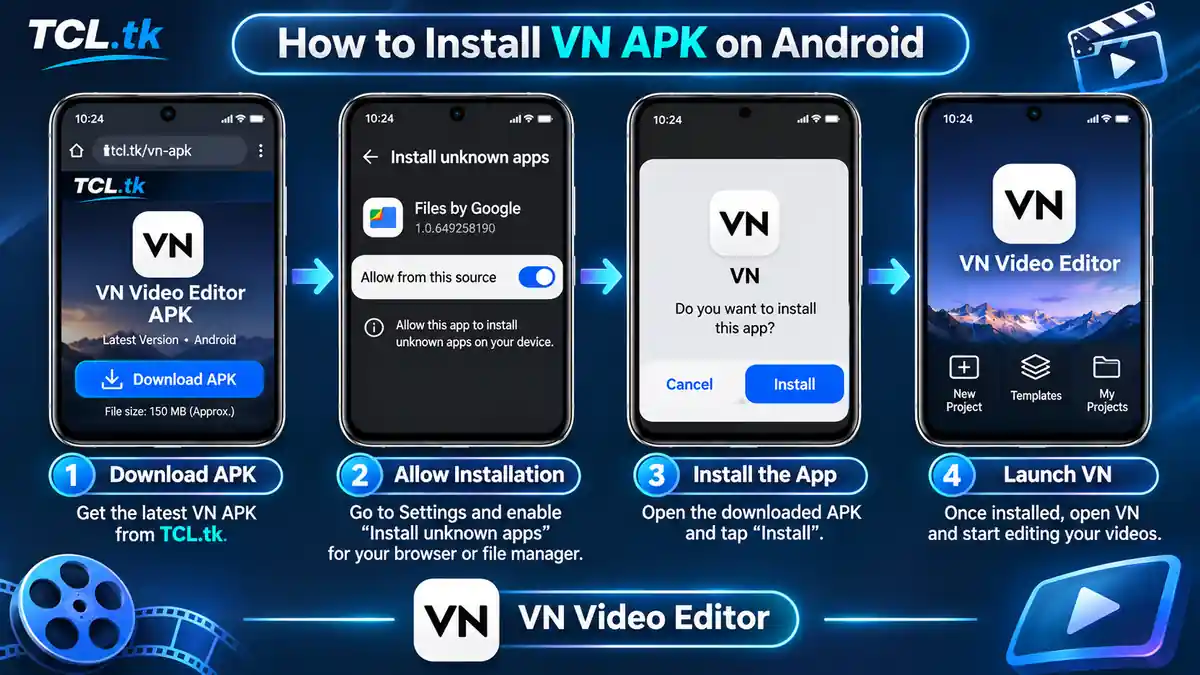
The recommended way to install VN Video Editor is through Google Play. The developer also provides an Android APK download through its official website.
If you prefer manual installation, follow these steps:
- Download the official VN Video Editor APK from a reliable source.
- Open your Android device’s Downloads folder.
- Tap the downloaded APK file.
- Allow installation from the selected file manager or browser if prompted.
- Tap Install and wait for the process to finish.
- Launch VN Video Editor and grant the necessary media permissions.
Keep Google Play Protect enabled and disable the temporary unknown-app installation permission once installation is complete.
How to Use VN Video Editor for Beginners
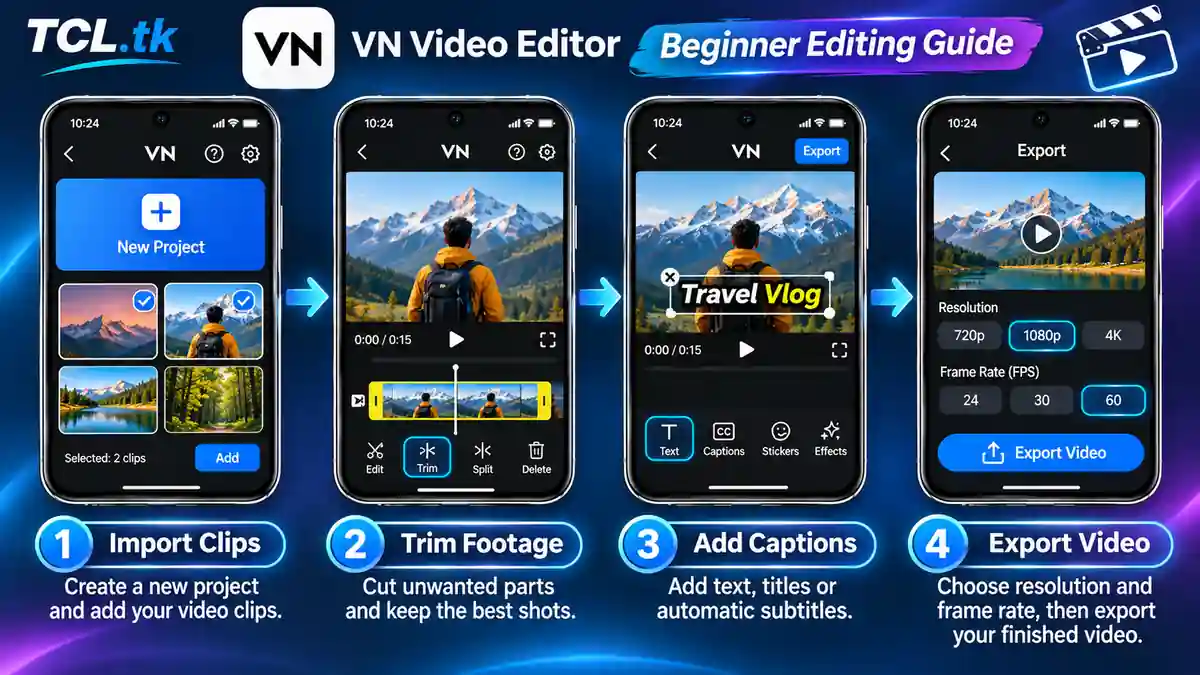
Getting started with VN is relatively straightforward, even if you have never edited videos before.
Open the application and create a new project. Select the video clips or photographs you want to include, then arrange them in your preferred order.
Trim unnecessary sections, add captions and apply suitable transitions. Adjust the aspect ratio according to your publishing platform.
For example, choose 9:16 for vertical short-form videos or 16:9 for traditional YouTube content.
Preview the complete project before exporting it to your device.
VN Video Editor APK vs Other Android Video Editors
VN competes with several popular mobile video editing applications, including InShot, KineMaster and PowerDirector.
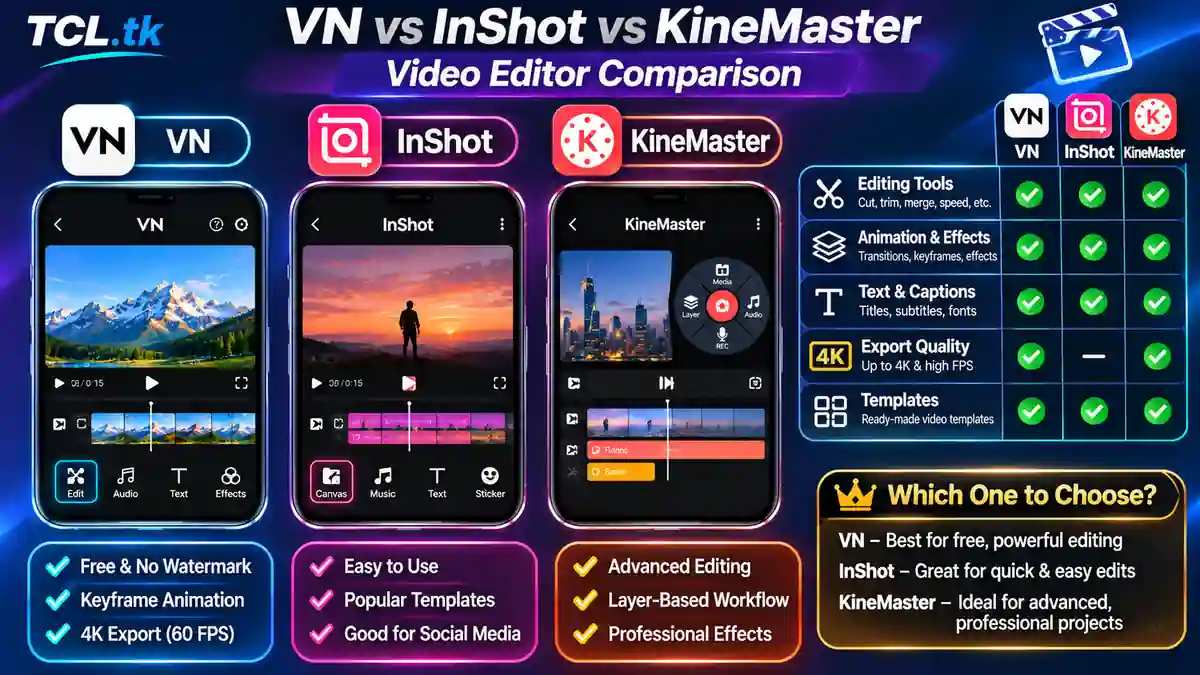
| Feature | VN Video Editor | InShot | KineMaster |
|---|---|---|---|
| Free editing | Available | Available | Available |
| Watermark-free standard exports | Yes | Conditions apply | Generally requires premium |
| Keyframe animation | Yes | Yes | Yes |
| Multi-layer editing | Yes | Available | Yes |
| Automatic captions | Yes | Yes | Yes |
| Beginner-friendly | Yes | Yes | Moderate |
InShot is particularly convenient for quick social media edits, while KineMaster offers extensive layer-based editing capabilities.
VN strikes a useful balance between advanced timeline editing, accessibility and watermark-free standard exports.
Feature availability and subscription conditions may change with future updates.
Is VN Video Editor APK Safe?
The official VN application is distributed by Ubiquiti Labs, LLC through Google Play and the developer’s website.
However, downloading modified APK files from unknown websites can expose your device to malware, unwanted permissions and security vulnerabilities.
Avoid unofficial versions promising unlimited premium features or unlocked subscriptions. Always verify the download source before installation.
Official sources:
- Google Play: https://play.google.com/store/apps/details?id=com.frontrow.vlog
- Official website: https://www.vlognow.me/
How to Fix VN Video Editor Lag and Export Problems
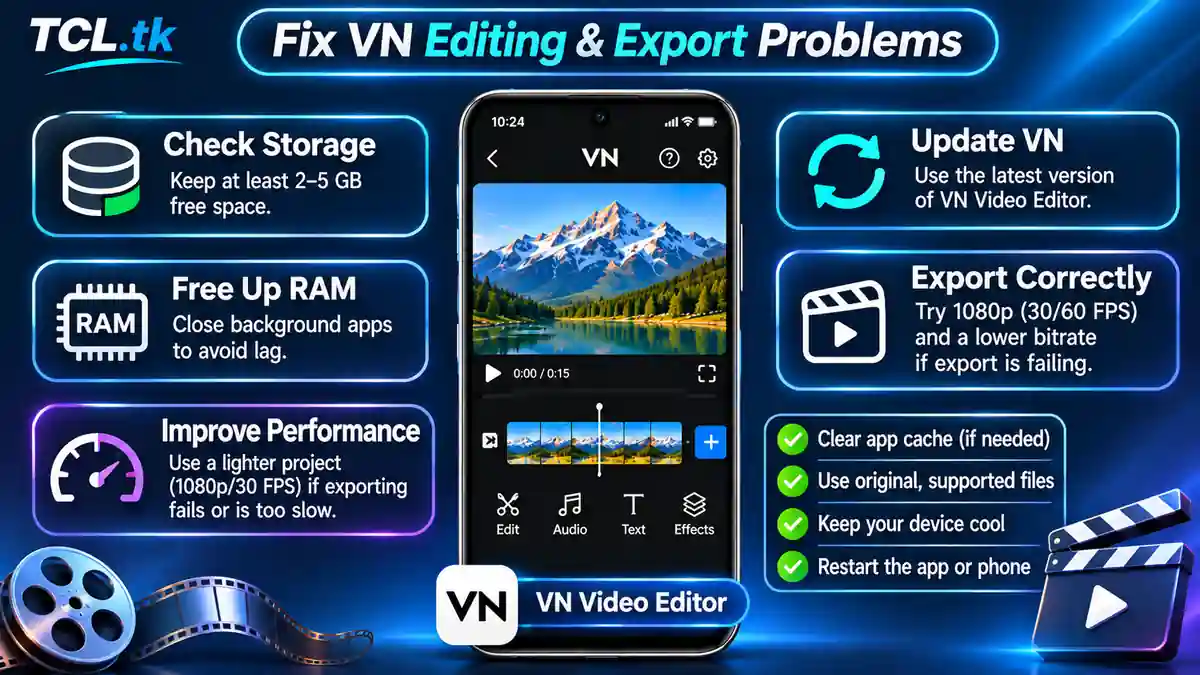
Video editing can consume significant processing power, memory and storage, especially when working with high-resolution footage.
If VN becomes slow or fails to export videos, try the following:
- Close unnecessary background applications.
- Free up additional internal storage.
- Reduce the export resolution to 1080p.
- Update VN to the latest compatible version.
- Restart your smartphone before rendering large projects.
- Reduce unnecessary overlays and effects.
Avoid clearing application data or uninstalling VN without backing up important editing projects, as locally stored drafts could be lost.
Pros and Cons of VN Video Editor
Pros
- Watermark-free standard video exports.
- Advanced multi-layer editing tools.
- Custom keyframe animations and speed curves.
- Support for cinematic filters and LUTs.
- AI-assisted editing and automatic subtitles.
- High-resolution video export options.
Cons
- Complex projects may lag on budget smartphones.
- Some advanced tools require practice.
- Certain features may require internet access or payment.
- High-resolution exports consume considerable storage.
Frequently Asked Questions
Is VN Video Editor APK free?
Yes. VN offers many video editing features for free. However, certain premium resources, subscriptions or AI-powered services may involve additional charges.
Does VN Video Editor have a watermark?
VN supports standard video exports without a mandatory watermark. Check whether your chosen template includes a separate branded ending clip.
Can I use VN Video Editor offline?
Many basic editing functions work offline with locally stored footage. Online templates, downloadable resources and certain AI features may require an internet connection.
Is VN Video Editor available in India?
Yes. VN Video Editor is available through Google Play in India, subject to device compatibility.
Can VN Video Editor export videos in 4K?
Yes. VN supports exports of up to 4K at 60 FPS on compatible devices.
Is VN Video Editor good for YouTube videos?
Yes. Its editing timeline, overlays, subtitles, transitions and export controls make it suitable for both traditional YouTube videos and YouTube Shorts.
Do I need VN Video Editor MOD APK to remove the watermark?
No. The official application already supports watermark-free standard exports, so downloading a modified APK is unnecessary.
Final Verdict
VN Video Editor APK is a versatile Android video editing application that combines accessible controls with advanced creative tools.
Its multi-layer timeline, keyframe animations, cinematic filters, automatic captions and watermark-free standard exports make it a compelling choice for mobile content creation.
Whether you are editing your first Instagram Reel or producing detailed YouTube videos, VN provides a practical collection of tools without requiring a desktop editing setup.
Download the official VN Video Editor for Android to explore its editing capabilities and start creating your own videos.