

How to Install XAPK Files on Android (2 Easy Ways)
How to Install XAPK Files on Android
Quick answer: Android can’t open an XAPK file on its own, because it’s a package that holds the app plus extra files. To install XAPK files, use an XAPK installer app such as Install Buddy, or extract the file manually and install its contents yourself.
This guide shows you how to install XAPK files both ways, where game data should go, and how to fix the usual errors.
What is an XAPK file?
An XAPK is a ZIP archive with a different file extension. Inside, you’ll usually find:
- One APK, or several split APKs (a base APK plus smaller “config” files for your screen size, language and processor)
- Sometimes an OBB folder with extra game data such as graphics and sound
- A small manifest.json file describing the contents
A normal APK is a single file that Android installs directly when you tap it. An XAPK bundles more than one piece together, so it needs an extra step.
Why your phone says it can’t open the file
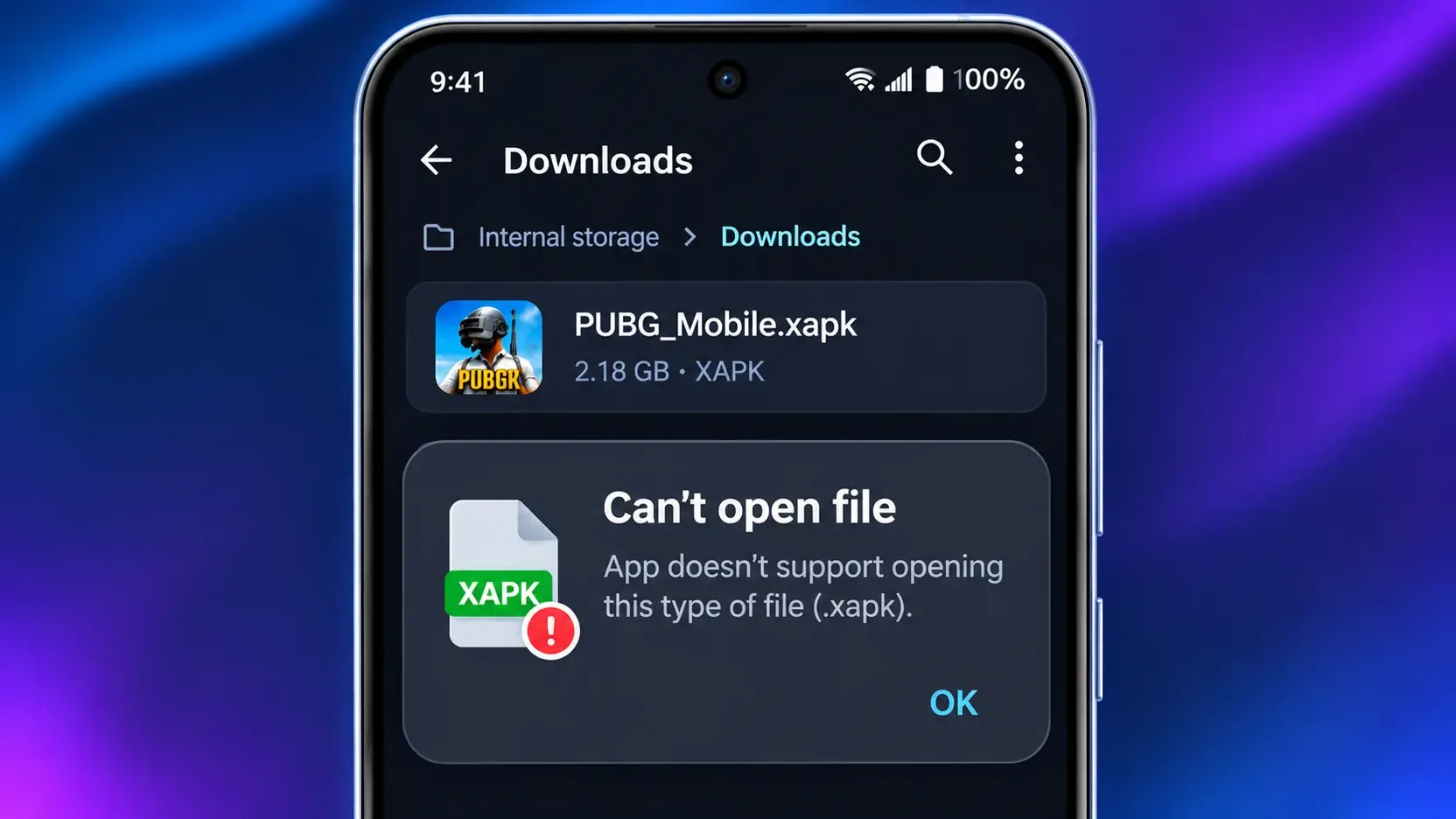
Android’s built-in installer only understands files ending in .apk. When you tap an .xapk file, your phone doesn’t know what to do with it, so you’ll see a message like Can’t open file or No app can perform this action. The exact wording depends on your brand and file manager.
The file isn’t broken. Your phone just needs a different way to install it.
Method 1 (easiest): use an XAPK installer app
An installer app opens the XAPK, installs all the APKs inside it together, and on many apps also places the game data where it belongs.
For this guide I’ll use Install Buddy – XAPK Installer, a free installer that handles APK and XAPK files. Install it from Google Play Store, not from a third-party download site, since modified copies of installer apps are easy to find and hard to trust.
Steps
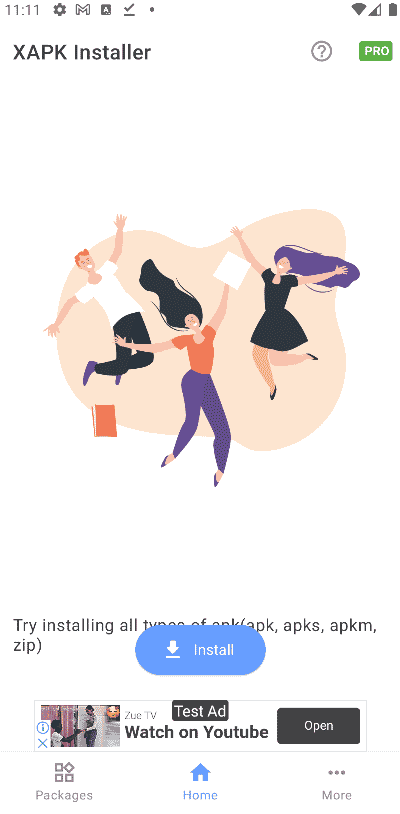
- Install Install Buddy – XAPK Installer from the Google Play Store and open it.
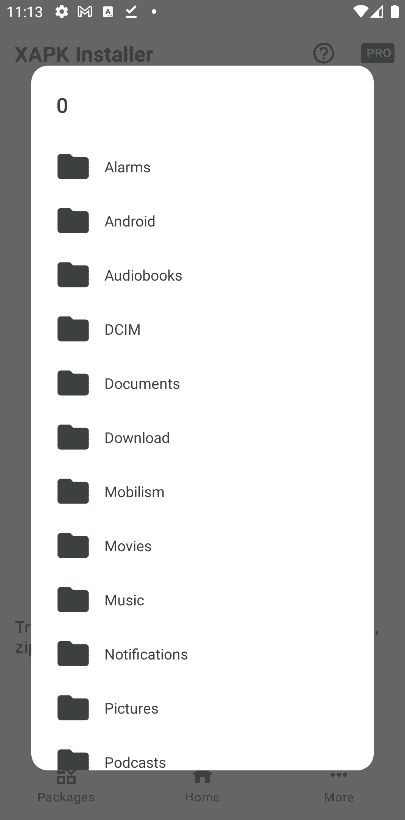
- Tap the option to choose a file, then browse to your Download folder and select the .xapk file.
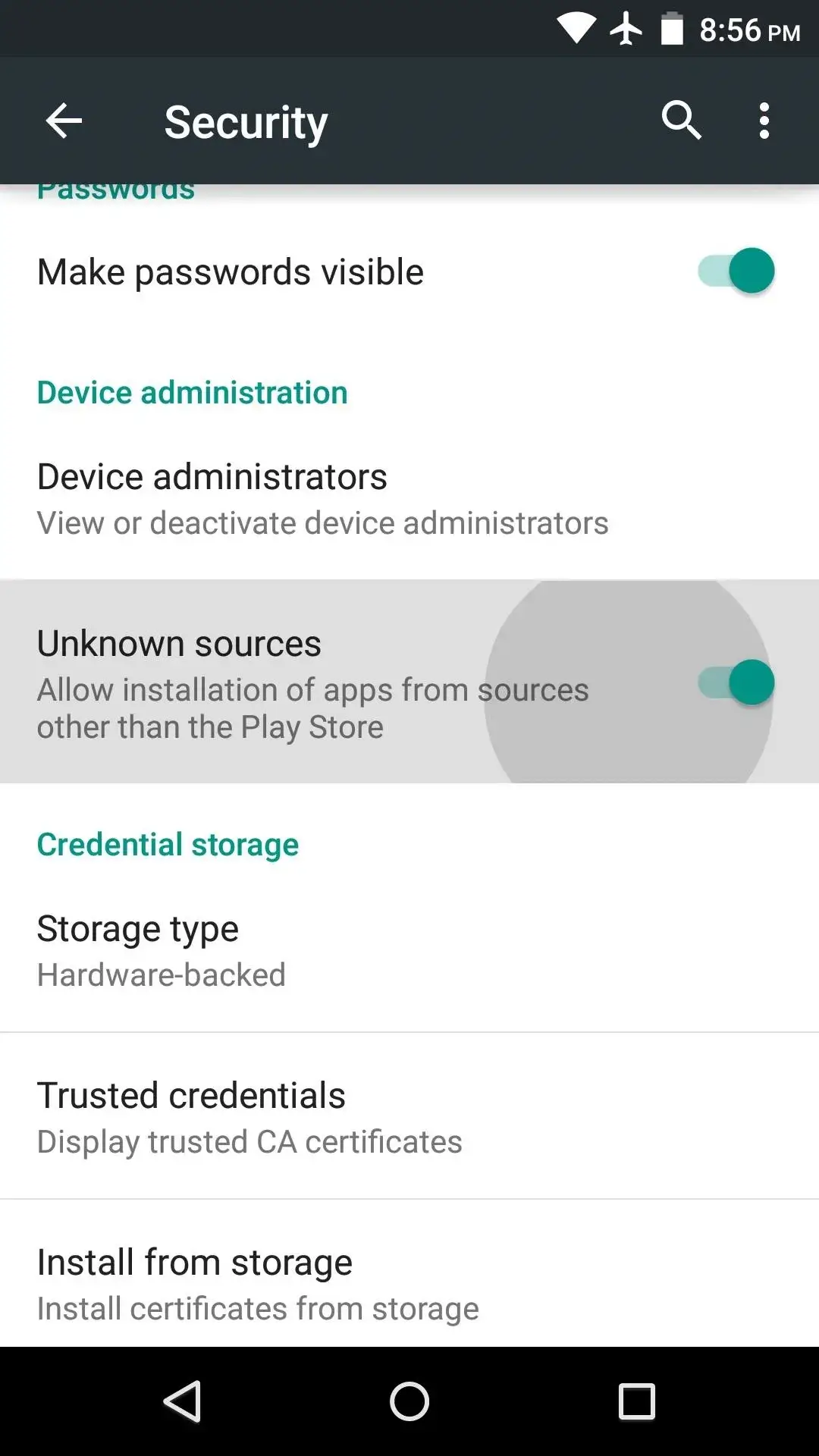
- If Android asks, tap Settings and turn on Allow from this source for Install Buddy, then go back.
- Confirm the install. When Android shows its own install prompt, tap Install.
- Wait for App installed, then tap Open.
If the game later asks to download its data again, the installer didn’t copy the OBB folder. Copy it yourself using the OBB steps in Method 2.
Method 2 (manual): extract the XAPK yourself
This method doesn’t need a dedicated XAPK app, but it takes more steps. It’s best if you’re comfortable using a file manager.
Step 1: Rename and extract the file
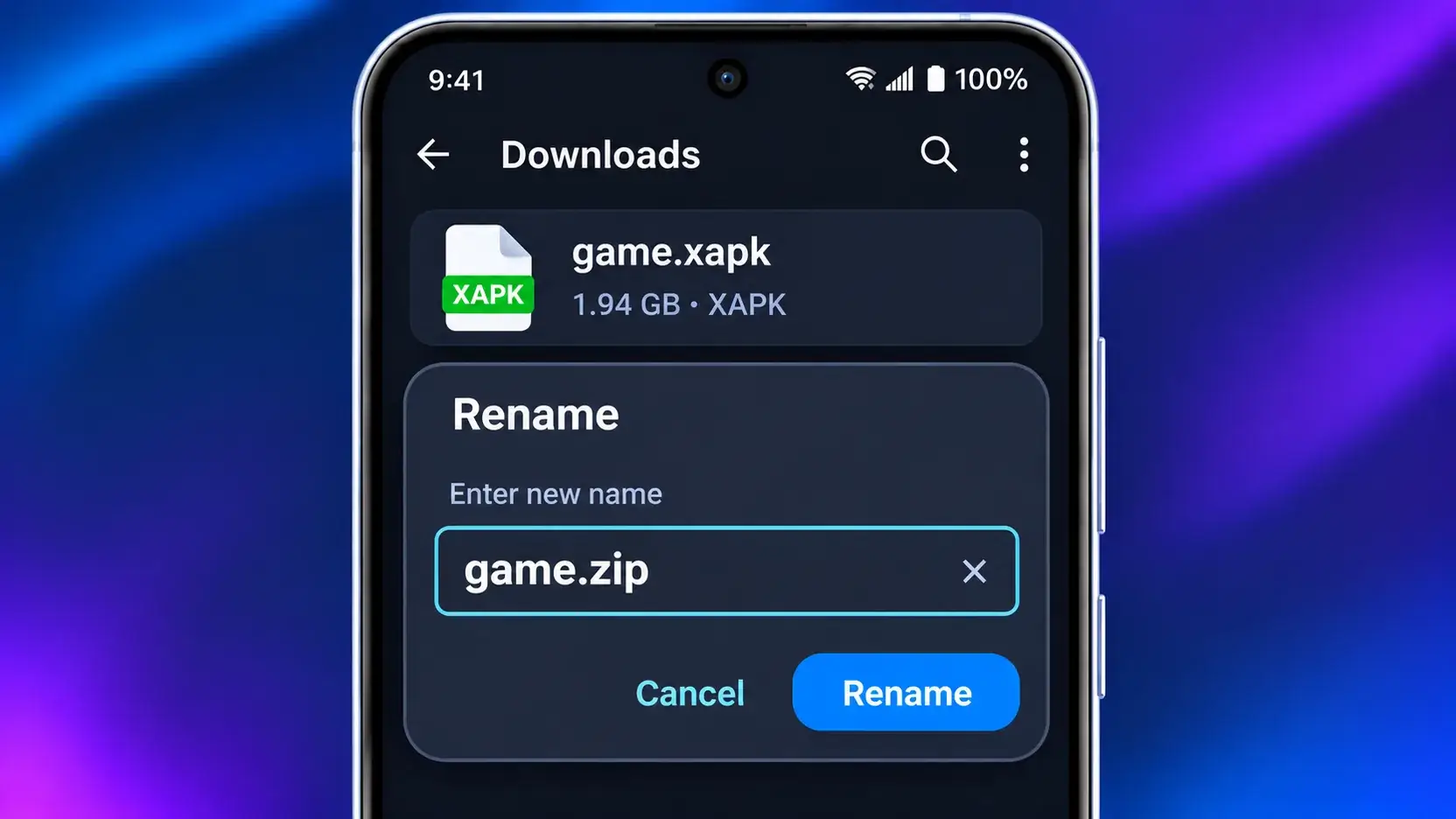
- In your file manager, long-press the file and choose Rename.
- Change the ending from .xapk to .zip and confirm.
- Tap the ZIP and choose Extract (most built-in file managers and Files by Google can do this).
Step 2: Install the APK
Open the extracted folder and look at the APK files:
- Only one APK: tap it and install it like any normal APK.
- Several APKs (for example, a base APK plus files with “config” in their names): these are split APKs. Tapping just one of them won’t work, because Android needs them installed together. Use a split installer such as SAI and select all of them, or install the original XAPK with Method 1.
Step 3: Copy the OBB folder (games only)
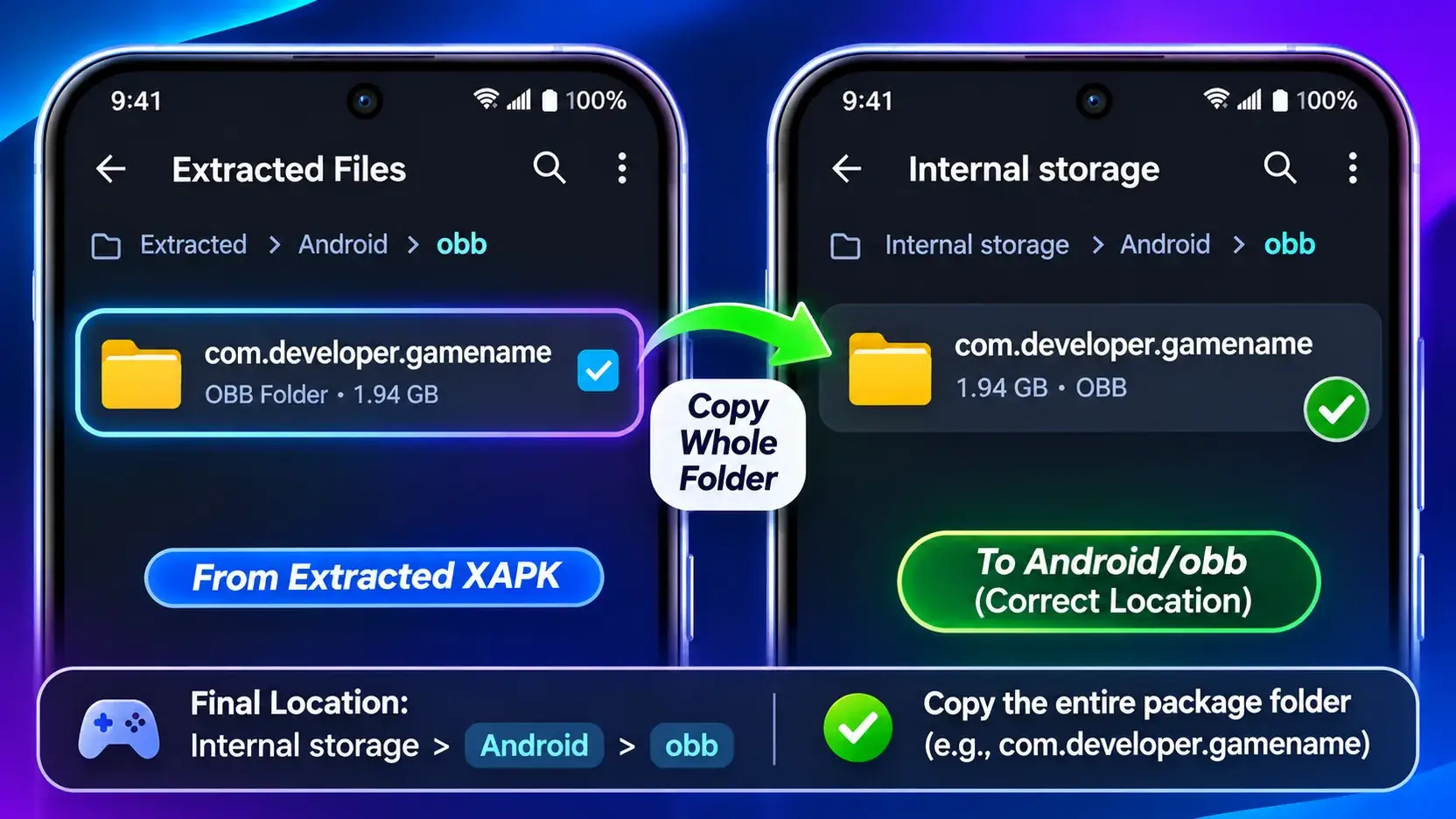
If the extracted folder contains Android > obb, open it. Inside is a folder named after the app’s package, such as com.developer.gamename.
Copy that whole folder, not just the file inside it, to Internal storage > Android > obb. Keep the folder name exactly as it is, or the game won’t find its data.
On Android 11 and newer, many file managers can’t open the Android/obb folder, because Android restricts access to it. You have two realistic options:
- Use a file manager that still has access. Whether this works depends on your phone, its Android version and the file manager, so you may need to try your phone’s built-in one first.
- Copy from a computer. Connect your phone with a USB cable, choose File transfer in the USB notification, and copy the folder into Android > obb from your PC.
Common problems and quick fixes
- “App not installed”: The file may be incomplete, made for a newer Android version, or signed differently from a version already on your phone. Re-download it, or uninstall the old version first (this deletes its data).
- The game asks to download data again: The OBB folder is missing, renamed or in the wrong place. Check it’s at Android > obb > [package name].
- Not enough storage: XAPKs for games can be large, and you briefly need space for both the file and the installed game. Free up space and try again.
- Incompatible device or Android version: The app may need a newer Android version or a processor your phone doesn’t have. Look for a version made for your device instead.
After installing
Go to Install unknown apps in Settings, tap the installer or file manager you used, and turn Allow from this source off. Your new app keeps working normally.
Then delete the leftover .xapk, .zip and extracted folder to free space. Don’t delete the folder in Android > obb, since the game needs it.
Safety checklist
- Download XAPK files only from the developer or a source you trust.
- Check the permissions the app asks for. If they don’t fit what the app does, don’t install it.
- Avoid modified or cracked files. They’re a common way to hide malware.
- Keep Google Play Protect turned on.
For more ways to keep your phone safe, see our Android security tips.
Conclusion
Now you know how to install XAPK files: use an installer app for the easiest route, or extract the file and copy the OBB data yourself. Most problems come down to a missed split APK or an OBB folder in the wrong place. Ready to try it? Browse our Android games collection to find your next game.
FAQ
Can I install an XAPK without an extra app?
Sometimes. If the XAPK contains only one APK, you can rename it to .zip, extract it and install that APK directly. If it contains split APKs, you need a split installer.
Is XAPK the same as APK?
No. An APK is a single installable file. An XAPK is a ZIP that contains one or more APKs, and sometimes game data.
Where do I put the OBB file?
In Internal storage > Android > obb, inside a folder named after the app’s package name.
Why does my game keep downloading data after I install it?
Its OBB data is missing or in the wrong folder. Make sure the package-named folder is directly inside Android > obb.
Are XAPK files safe?
Only as safe as their source. Download from trusted sources and keep Play Protect on.